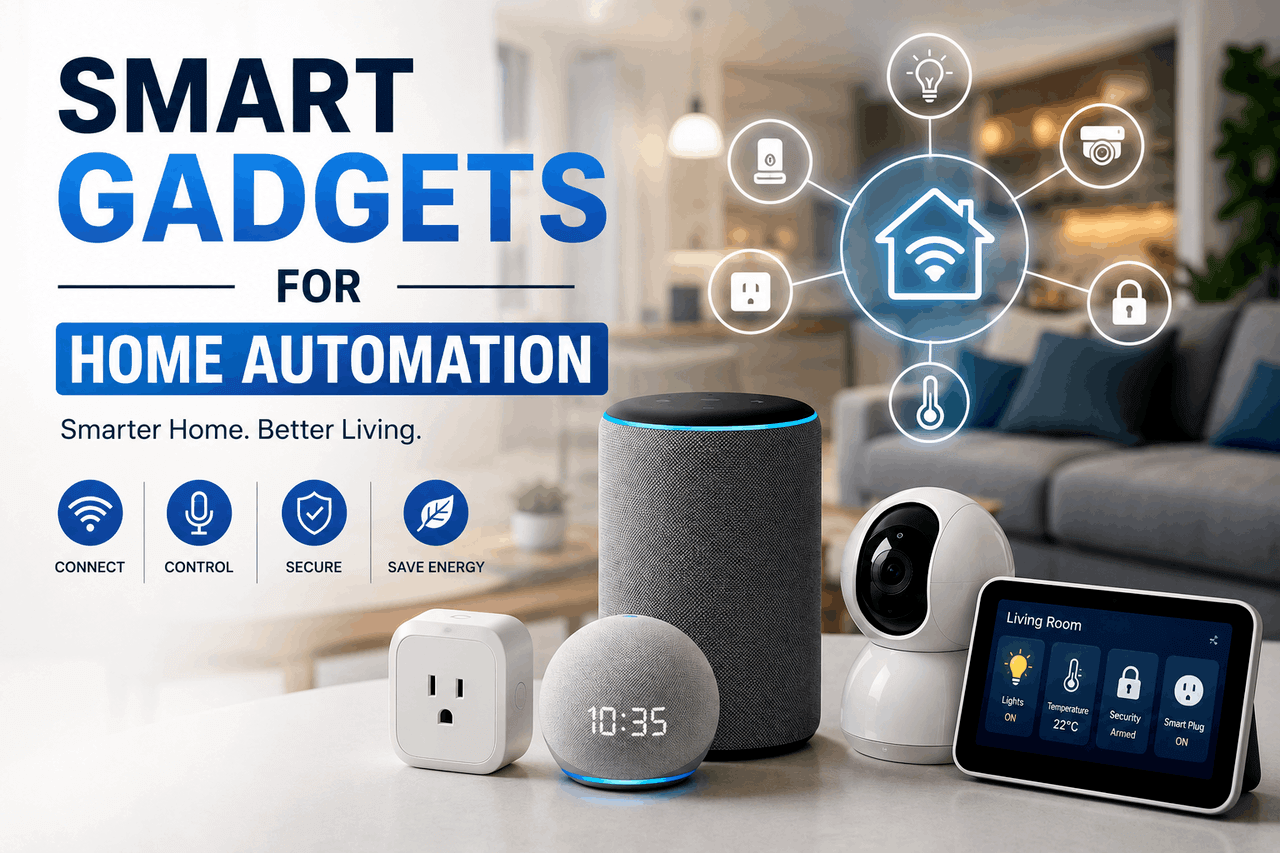
Smart home automation uses internet-connected gadgets to manage your lighting, climate, security, and daily appliances. Start with essential devices like smart bulbs, learning thermostats, and video doorbells to improve convenience and reduce energy use. Once you select a central ecosystem like Apple HomeKit or Amazon Alexa, you can connect these devices to work together automatically.
Home automation removes the manual labour from managing your living space. Internet-connected devices communicate with each other to manage your daily routines. A smart home system lets you control your environment from your smartphone or via voice commands.
Many people start with a single device, like a voice assistant or a video doorbell, before expanding their setup into a fully connected home. This step-by-step approach prevents you from feeling overwhelmed by the technology.
What is smart home automation, and why do you need it?
Smart home automation is the process of linking your household appliances and systems to a central network. As a result, you can control them remotely or set them to operate on automatic schedules.
In a traditional home, you walk into a room and flip a switch to turn on a light. In a smart home, the light turns on automatically because a motion sensor detected your presence, or because you scheduled it to turn on at sunset. The primary appeal of home automation is removing friction from your daily life.
What are the main benefits of a smart home?
The primary benefits of smart home gadgets are convenience, energy efficiency, and security.
Convenience comes from automation. For example, you save time when your home automatically locks the doors at night and adjusts the temperature while you sleep. Energy efficiency happens when devices learn your habits. According to the US Department of Energy [2023], homeowners can reduce heating and cooling costs by up to 10% simply by turning their thermostats back 7 to 10 degrees for eight hours a day. A smart thermostat handles this adjustment for you.
Security improves when you can monitor your property remotely. You receive instant alerts on your phone if a camera detects motion or if a door opens unexpectedly.
What are the essential smart gadgets for every home?
Building a smart home begins with foundational devices. Start with gadgets that have the greatest impact on your daily routine and typically require the least technical expertise to install.
How do smart lighting systems work?
Smart lighting systems replace traditional bulbs and switches with internet-connected alternatives. They let you control your home’s lighting through an app on your phone.
You can group multiple bulbs to light an entire room with a single command. In addition, smart bulbs feature scheduling, dimming, and colour-changing capabilities. Choose smart switches if you want to control existing fixtures without replacing every individual bulb, which is usually much less expensive in a large room. Choose smart bulbs if you want colour-changing features and do not mind leaving your physical light switches permanently in the “on” position.
Are smart thermostats worth the money?
Smart thermostats are digital climate control devices that learn your temperature preferences and daily schedule. They are highly effective for most homeowners and often pay for themselves in energy savings within the first two years.
These devices adjust the temperature automatically when you leave the house or go to sleep. Some models also include zone-control features that use remote sensors to ensure specific rooms reach your desired temperature. Choose a smart thermostat if you currently adjust your manual thermostat multiple times a day, or if you frequently forget to turn off your air conditioning before leaving for work.
What should you look for in smart security cameras?
Smart security cameras record video footage and send live feeds directly to your mobile device. They serve as both a deterrent to intruders and a tool for monitoring your property while you are away.
When choosing a camera, you must decide between indoor and outdoor models. Outdoor cameras require weatherproofing and often need dedicated power sources or frequent battery charges. In addition, look for features such as motion detection, night vision, two-way audio for speaking through the camera, and secure cloud storage for your video footage. Be aware that most cloud storage features require a monthly subscription fee, which typically costs $3 to $10.
How do smart door locks and video doorbells improve security?
Smart door locks replace traditional deadbolts with keypad or Bluetooth-enabled mechanisms. They provide keyless entry for your family and let you grant temporary access codes to guests or service workers.
Video doorbells pair perfectly with smart locks. They alert you when someone approaches your porch, allowing you to see and speak to the visitor from your phone. You can use this combination to monitor package deliveries and verify a visitor’s identity before remotely unlocking the door.
Which advanced smart gadgets can enhance your daily living?
Once you establish the basics, you can add advanced devices to further reduce manual tasks. These gadgets integrate with your foundational devices to create complex, automated routines.
What can smart speakers and smart displays do?
Smart speakers and displays act as the command centres for your automated home. Devices with voice assistants like Amazon Alexa or Google Assistant let you control other gadgets with spoken commands.
Beyond home control, these devices provide utility. You can ask your smart speaker to play music, read the daily news, or set cooking timers. A smart display adds a screen, letting you view recipes in the kitchen or pull up the live feed from your video doorbell.
Are robotic vacuum cleaners effective?
Robotic vacuum cleaners navigate your floors automatically to remove dust and debris. They are excellent for maintaining daily cleanliness, though they do not entirely replace occasional deep cleaning.
Modern robotic vacuums feature automated mapping capabilities. They learn your home’s layout, allowing you to schedule cleaning for specific rooms at specific times. Choose a robotic vacuum if you have pets that shed frequently and want to reduce the time you spend sweeping hard floors.
How can smart plugs and power strips save you money?
Smart plugs act as an intermediary between your wall outlet and your appliances. They let you turn any standard appliance into a smart device by controlling its electrical flow.
You plug a traditional lamp or coffee maker into the smart plug, and you can then turn that device on or off using your phone. Many smart plugs also feature energy monitoring. This allows you to see exactly how much electricity a specific appliance draws, helping you identify and unplug energy-draining devices to lower your monthly utility bill.
Why should you consider automated smart blinds and curtains?
Smart blinds and curtains open and close automatically based on schedules or sensory input. They offer excellent privacy control and can significantly affect your home’s internal temperature.
You can program your smart blinds to open at sunrise and close at sunset. This aligns your home with your natural circadian rhythm. During the summer, you can set your blinds to close during the hottest part of the afternoon. This blocks out the sun and reduces the workload on your smart thermostat.
How do you choose the right smart home ecosystem?
A smart home ecosystem is the software platform that connects all your devices together. Choosing the right platform early on helps prevent compatibility headaches later.
What are the major smart home platforms?
The primary ecosystems are Apple HomeKit, Google Home, Amazon Alexa, and Samsung SmartThings. Each platform offers distinct advantages.
Choose Apple HomeKit if you already use iPhones and MacBooks, as it offers strict privacy controls and seamless integration with Apple hardware. Choose Google Home if you rely heavily on Google services like Calendar and Maps. Choose Amazon Alexa if you want the widest compatibility with third-party devices. Each option points to a different kind of fit.
Why are compatibility and interoperability important?
Interoperability determines whether your smart devices can communicate with one another. If you buy a smart lock that only works with Google Home, but your smart lighting runs on Apple HomeKit, you will have to use two separate apps to control your home.
Check the packaging or product specifications of any new gadget to verify it works with your chosen ecosystem. Keeping all devices on the same platform allows you to create routines—like a “Goodnight” routine that turns off the lights, lowers the thermostat, and locks the doors with a single command.
What are Matter and Thread in smart home connectivity?
Matter and Thread are connectivity standards designed to address interoperability issues. Matter is a universal language that allows devices from different manufacturers to communicate. Thread is a fast, low-power wireless mesh network that helps those devices stay connected.
If you purchase a device with the Matter logo, it will work with Apple, Google, Amazon, and Samsung systems automatically. For that reason, you will want to prioritize Matter-compatible devices to future-proof your smart home investment.
How do you set up your smart home devices?
Setting up a smart home requires patience and a reliable wireless internet connection. With a methodical approach, you can help prevent devices from dropping off the network.
How should you plan your smart home setup?
Start by assessing your daily friction points. If you always forget to turn off the porch light, start with a smart switch. If you’re worried about home security, start with a video doorbell. Choose the device that solves your biggest problem first.
Before buying anything, test your home’s Wi-Fi network. Smart gadgets require a strong signal to function. You may need to purchase a mesh Wi-Fi system if you have dead zones in your house.
What are the best practices for installation?
Always set up one device completely before moving on to the next. Download the manufacturer’s specific app, connect the device to your Wi-Fi, and install any required firmware updates.
Once the device works in its native app, link it to your central ecosystem. Name your devices clearly during setup. Naming a bulb “Living Room Lamp” is much more useful than leaving the default name “SmartBulb123” when you later try to use voice commands.
How do you troubleshoot common smart home issues?
The most common issue in any smart home is a device losing its network connection. When this happens, your first step is to restart the device by unplugging it from its power source for 30 seconds.
If a device remains unresponsive, check for software updates in the manufacturer’s app. If you frequently lose connection to multiple devices, your internet router is likely overwhelmed. Most standard internet provider routers struggle to manage more than 15 connected devices simultaneously.
How can you protect your privacy and security in a smart home?
Adding internet-connected devices to your home introduces new security vulnerabilities. You must treat your smart home network with the same caution you apply to your personal computer.
How do you protect your data and connected devices?
You protect your network by securing the entry points. Change the default administrative password on your home Wi-Fi router immediately. A weak router password allows unauthorized users to access your entire network of smart devices.
Enable two-factor authentication on all your smart home accounts, particularly for security cameras and door locks. Be aware that smart home companies collect data on your daily habits. You should review the privacy policies of the gadgets you buy and disable any optional data-sharing features in the device settings.
What are the future trends in home automation?
Home automation technology changes rapidly. The devices available today are simply the foundation for much smarter systems arriving in the near future.
How will AI and machine learning change smart homes?
Artificial intelligence will shift smart homes from being reactive to predictive. Currently, you have to program a routine to turn down the thermostat when you leave. In the future, predictive AI will learn your schedule and make these adjustments without any programming required.
Sustainable smart home solutions will also become more prevalent. Future systems will automatically balance your home’s energy draw against the electrical grid’s peak hours, charging your electric vehicle or running your dishwasher only when electricity is cheapest.
What are your next steps for building a smart home?
Smart gadgets transform your house into an efficient, convenient environment. By automating repetitive tasks, you gain more time to focus on your actual life.
You do not need to buy every gadget at once. Pick one area of your home that causes you minor frustration—whether that is managing the temperature, securing the front door, or turning off the lights from bed. Purchase a highly rated device to solve that specific problem, connect it to your Wi-Fi, and experience the convenience of home automation for yourself.
Frequently Asked Questions (FAQ)
How much does it cost to start a smart home?
You can start a basic smart home setup for under $100 by purchasing a single smart speaker and a two-pack of smart bulbs. A comprehensive setup featuring smart locks, thermostats, and multiple cameras usually costs between $1,000 and $2,500.
Does a smart home work without an internet connection?
Most smart home features require an active internet connection to communicate with your smartphone and process voice commands. However, essential functions—like unlocking a smart door lock with a physical keypad or manually adjusting a smart thermostat—will still work during an internet outage.
Do smart devices slow down my Wi-Fi?
Smart devices generally use very little bandwidth, but having dozens of them connected simultaneously can overwhelm an older internet router. Choose a modern mesh Wi-Fi system to handle a large number of smart devices without slowing down your internet speed.
Are smart home devices safe from hackers?
Smart devices carry risks, but you can secure them effectively. Choose devices from reputable brands, use strong, unique passwords for every account, and always enable two-factor authentication to protect your gadgets from unauthorized access.
Which smart home ecosystem is the best?
There is no single best ecosystem; it depends on the devices you already own. Choose Apple HomeKit for strict privacy and iPhone integration, Google Home for strong voice recognition and Google service integration, or Amazon Alexa for the widest compatibility with third-party gadgets.