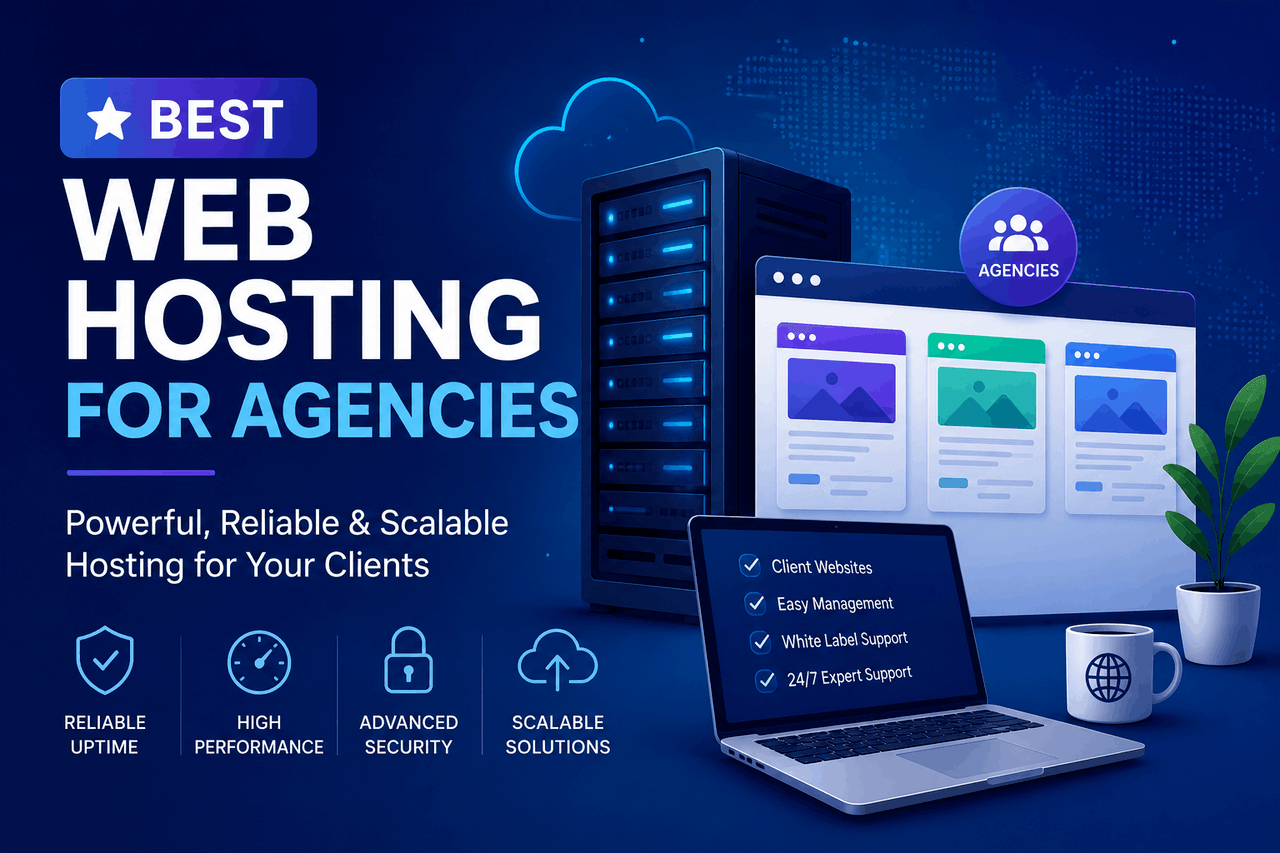
The best web hosting for agencies depends on your technical expertise and client volume. Cloudways offers excellent performance and margins for tech-savvy teams, WP Engine is the top choice for WordPress-exclusive agencies, and SiteGround provides strong entry-level managed hosting. Choose a host based on reliability, scalability, and white-label capabilities.
In the world of web design and development, a web hosting provider is the foundation of your digital building. You can build a beautiful, highly functional website for your client, but if the foundation is weak, the entire structure is at risk. A slow or unreliable host leads to downtime, lost sales, and ultimately, angry emails from your clients.
When you manage one website, hosting is a simple decision. When you manage fifty or five hundred websites, hosting becomes a critical business partnership. Your hosting provider dictates how much time your team spends on maintenance, how secure your clients’ data remains, and how much recurring revenue you can retain.
Choosing the right agency web host is a decision you want to get right the first time. Migrating dozens of client sites later is a painful, time-consuming process. This guide breaks down exactly what you need to evaluate, which providers deliver the best results, and how to structure your hosting setup to support a growing client roster.
What features should an agency look for in a web host?
Agency hosting requires a different set of tools than standard shared hosting. You are not just looking for a place to put files. You need a platform that helps you manage multiple clients efficiently.
Performance is the most obvious requirement. A slow website damages your client’s search engine rankings and frustrates their customers. You want a host that guarantees at least 99.9% uptime and provides fast server response times. But beyond raw speed, agencies need specific administrative features.
White-labeling capabilities allow you to present the hosting dashboard and billing with your own agency’s branding. This creates a seamless experience for your clients and reinforces your agency’s value.
Scalability is another non-negotiable feature. If a client’s website goes viral or they launch a major holiday sale, their site needs instant access to more server resources. You do not want a host that penalizes you or takes the site offline the moment traffic spikes.
Finally, you need staging environments. A staging environment is a private clone of a website where you can test new plugins, design changes, or core updates without affecting the live site. Pushing changes directly to a live client site is a high-risk gamble that agencies simply cannot afford to take.
Which web hosting providers are best for digital agencies?
The hosting market is saturated, but only a few providers truly understand the agency business model. Here is a breakdown of the top options, structured by their strengths and trade-offs.
Cloudways
Overview:
Cloudways acts as a managed layer on top of major cloud providers like DigitalOcean, Google Cloud, and AWS. Instead of dealing with complex server command lines, you use the Cloudways dashboard to manage high-performance cloud servers.
Who are they good for?
Cloudways is an excellent choice for agencies that have some technical knowledge and want maximum performance for the lowest price. It allows you to host unlimited applications (websites) on a single server, which makes it highly profitable for agencies charging a flat monthly hosting fee to clients.
Risks:
Cloudways does not offer email hosting. You will need to set up a separate service like Google Workspace for your clients. Additionally, because you pay for server capacity rather than per-site, a single resource-heavy client site can slow down the other sites sharing that specific server.
Rewards:
You get enterprise-grade cloud performance at a fraction of the cost. The platform includes easy one-click staging, automated backups, and the ability to scale server resources up instantly with a slider.
WP Engine
Overview:
WP Engine is a premium, managed WordPress hosting provider. They do not host anything other than WordPress. Their entire infrastructure is built to make WordPress sites run as fast and securely as possible.
Who are they good for?
WP Engine is ideal for agencies that build exclusively with WordPress and want a completely hands-off server management experience. If your clients demand premium performance and you want a support team that specializes deeply in WordPress errors, this is the standard.
Risks:
WP Engine is expensive. Their agency plans cost significantly more per site than cloud or shared alternatives. They also strictly ban certain WordPress plugins that conflict with their caching systems, which can force you to change your preferred development workflow.
Rewards:
The platform handles all core WordPress updates and security patching automatically. They offer advanced developer tools, including localized development environments, and their customer support can actively help you debug complex WordPress-specific database errors.
SiteGround
Overview:
SiteGround is a highly popular shared and cloud hosting provider known for excellent customer support and a custom-built, user-friendly control panel.
Who are they good for?
SiteGround is right for smaller or newly established agencies that need an affordable, reliable starting point. Their specific “GoGeek” and Cloud plans include white-label features, allowing you to register clients and give them a branded control panel.
Risks:
Because their entry-level plans use shared hosting environments, performance can fluctuate if other users on the same server experience heavy traffic. Their renewal prices are also notably higher than their introductory rates, which can compress your profit margins in the second year.
Rewards:
SiteGround provides a smooth, intuitive interface that non-technical team members can easily navigate. They include free SSL certificates, daily backups, and a built-in caching plugin that dramatically improves site speed with zero configuration.
Kinsta
Overview:
Kinsta is a premium managed WordPress host powered exclusively by the Google Cloud Premium Tier network. They position themselves as a high-end alternative to WP Engine, focusing heavily on speed and developer experience.
Who are they good for?
Kinsta works well for agencies managing high-traffic, mission-critical WordPress sites—like large e-commerce stores or high-volume publishers. It is built for teams that prioritize speed and reliability above budget constraints.
Risks:
Similar to WP Engine, Kinsta comes with a high price tag. Their plans place strict limits on monthly visits and disk space. If a client’s site gets a sudden surge in traffic, you will face overage charges.
Rewards:
Kinsta provides access to a custom-built dashboard that makes managing dozens of sites incredibly simple. Their integration with Cloudflare provides enterprise-level security and a global content delivery network directly out of the box.
Flywheel
Overview:
Flywheel (now owned by WP Engine) focuses heavily on the design and workflow aspects of agency hosting. Their dashboard is highly visual and eliminates technical clutter.
Who are they good for?
Flywheel is designed specifically for freelance web designers and creative agencies. They offer a unique feature that allows you to build a site on their servers for free, and then easily transfer the final billing to your client upon launch.
Risks:
Because they are owned by WP Engine, their infrastructure and pricing are similar, but the feature set is slightly less technical. Developers who want deep server access or advanced database controls will find Flywheel too restrictive.
Rewards:
Flywheel’s collaboration tools are unmatched. You can easily add external collaborators to a project without sharing passwords. Their “Blueprints” feature allows you to save a specific theme and plugin configuration and deploy it instantly for new client builds.
How do the top agency web hosts compare on price and performance?
When you evaluate hosting costs, you have to look past the introductory rate. Many hosts offer a low price for the first year and then double or triple the rate upon renewal.
You also need to calculate the cost per site. A plan that costs $100 per month might sound expensive. But if that server can comfortably hold 20 client sites, your cost is only $5 per site. If you charge your clients $50 a month for hosting and maintenance, your margin is substantial.
Cloudways usually offers the best margin for agencies. A standard DigitalOcean server through Cloudways costs around $28 per month and provides 2GB of RAM. Depending on traffic, you can host 5 to 10 standard brochure websites on this server.
WP Engine and Kinsta price their agency plans based on total traffic and the number of installations. A standard agency plan on these platforms might cost around $290 per month for up to 30 sites. The cost per site is higher, but you are paying for the managed support and enterprise infrastructure. Choose these options if your clients require high security, and you want to spend zero hours on server maintenance.
SiteGround offers a middle ground. Their cloud hosting plans start around $100 per month and offer dedicated resources. They provide an easy billing interface to pass costs directly to clients, which saves your accounting team hours of manual invoicing.
What are the best practices for managing multiple client websites?
Hosting the sites is only half the battle. Managing them safely and efficiently requires strict internal processes. Without a system, your agency will quickly become overwhelmed by basic maintenance tasks.
First, always separate client environments. Even if you use a platform like Cloudways where multiple sites share a server, ensure each application has its own isolated database and file structure. If one client site is compromised by malware, isolation prevents the infection from spreading to your other clients.
Second, standardize your technology stack. Choose one or two specific page builders, a standard set of security plugins, and a unified SEO tool. If every client site uses a completely different set of plugins, maintaining them becomes a logistical nightmare. When a vulnerability is discovered in a plugin, you need to know exactly which clients are affected so you can patch them immediately.
Third, automate your backups and updates. Relying on human memory to back up thirty websites is a recipe for disaster. Configure your host to take daily automated backups and store them off-site for at least 30 days. Use a tool like ManageWP or your host’s native dashboard to schedule plugin updates.
Finally, implement strict access controls. Do not give clients administrator access to their websites unless necessary. Clients often install unverified plugins or alter core settings, breaking the site and expecting you to fix it for free. Create an “Editor” role for clients so they can publish content without touching the structural integrity of the site.
Making the right hosting choice for your agency
Your hosting choice directly impacts your agency’s profitability and reputation. A cheap host will cost you dozens of unbillable hours in troubleshooting and customer service calls. A premium host will protect your clients’ digital assets and allow your team to focus on billable design and development work.
If you have technical server experience and want high margins, Cloudways is the clear winner. If you want a hands-off, premium WordPress experience and are willing to pay for it, WP Engine or Kinsta will serve you well. If you are a solo designer looking for workflow tools and easy client billing, Flywheel is built exactly for your use case.
Evaluate your current client roster, check your technical comfort level, and select a partner that aligns with your agency’s growth goals.
Frequently Asked Questions (FAQ)
What is the difference between reseller hosting and agency hosting?
Reseller hosting typically involves buying a block of shared server space and dividing it up to sell under your own brand. Agency hosting usually refers to managed cloud or dedicated environments that include specific tools—like staging areas, centralized dashboards, and collaborator access—designed for teams building and maintaining sites for clients.
How much should an agency charge a client for web hosting?
Agencies typically charge between $30 and $100 per month for standard website hosting. This fee should cover the raw server cost, the cost of premium plugin licenses used on the site, and the time required for monthly backups, security monitoring, and core software updates.
Can I host WordPress and non-WordPress sites on the same agency plan?
It depends on the provider. Managed WordPress hosts like WP Engine and Kinsta strictly host only WordPress sites. If you need to host Laravel applications, custom PHP sites, or Magento stores alongside WordPress, you must choose a cloud provider like Cloudways or a traditional host like SiteGround.
What happens if a client’s website uses too much bandwidth?
If a client site exceeds its allocated bandwidth on a shared host, the site will typically slow down or be taken offline until the billing cycle resets. Managed hosts like Kinsta will keep the site online but charge you an overage fee based on the extra traffic. Always monitor your clients’ traffic trends so you can upgrade their plans before penalties apply.