The best managed WordPress hosting provider depends on your budget and technical needs. Choose WP Engine or Kinsta if you run a high-traffic enterprise site and need premium performance. Choose Flywheel if you manage multiple client sites as an agency. Choose SiteGround or Bluehost for affordable, reliable managed WordPress hosting for a small business or personal blog.
In the world of website management, shared hosting is a standard apartment building. You share resources with everyone else, and when the plumbing breaks, you are mostly on your own to fix it. Managed WordPress hosting is a luxury condominium. You pay a higher premium, but you get a dedicated superintendent who handles maintenance, security, and performance tuning specifically for your unit.
Managed WordPress hosting is a specialised service where the hosting provider oversees all technical aspects of running a WordPress website. This includes managing daily backups, updating core software, maintaining security protocols, and ensuring the server architecture is perfectly tuned for WordPress.
You choose managed WordPress hosting to buy back your time. When you run a growing business, spending hours troubleshooting database errors or configuring caching plugins costs you money. Managed WordPress hosting handles these technical burdens, giving you the freedom to focus entirely on creating content and serving your customers.
What are the key features of the best managed WordPress hosting?
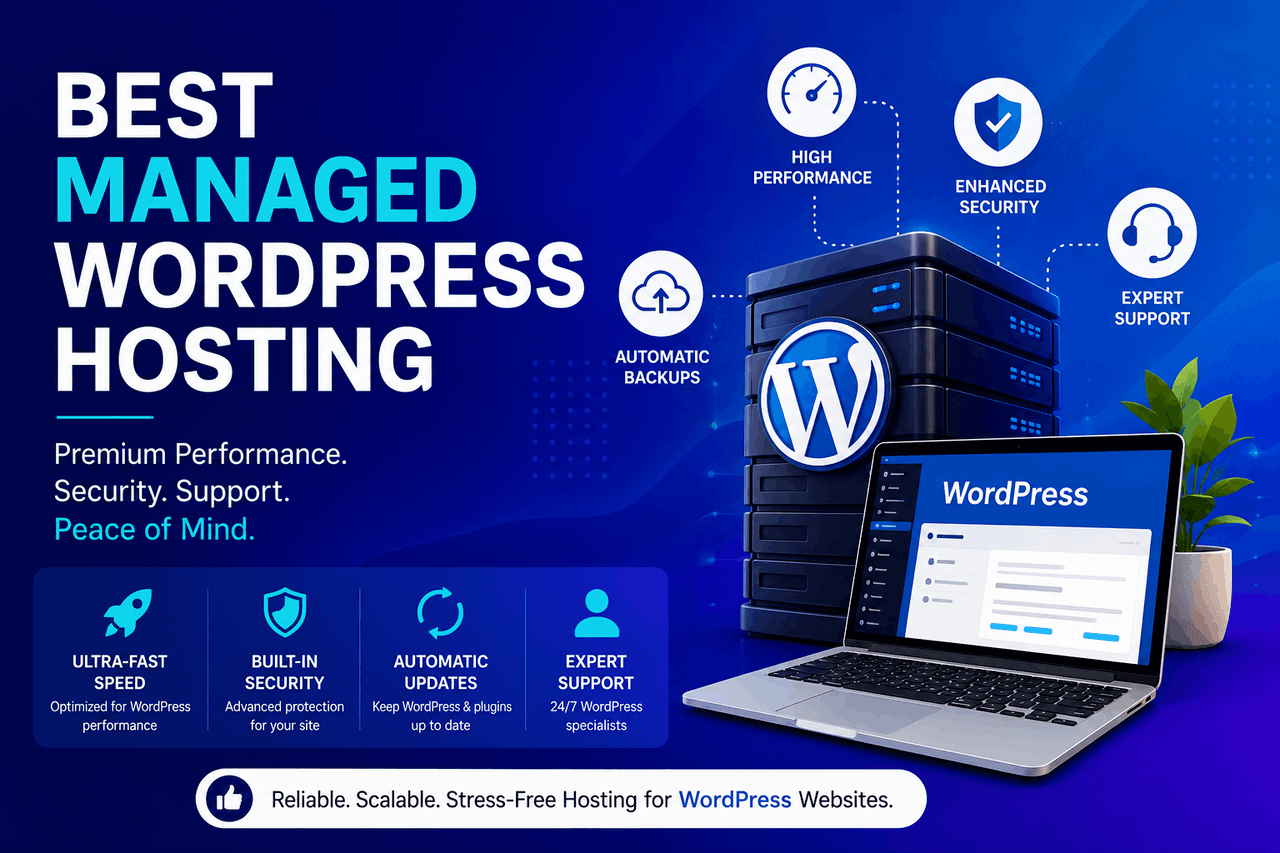
When you evaluate a managed WordPress hosting platform, you need to look beyond basic storage limits. The best managed WordPress hosting providers offer specific features designed to make your site faster and safer.
How does managed hosting improve performance and speed?
A slow website turns visitors away. Managed WordPress hosting providers configure their servers specifically for WordPress. They implement server-level caching, which stores copies of your pages so they load instantly for visitors. They also provide integrated Content Delivery Networks (CDNs) that distribute your site files across global servers, ensuring fast load times regardless of where your audience lives.
What security features are included with managed hosting?
WordPress powers over 40% of the internet, making it a frequent target for hackers. Managed WordPress hosting platforms actively scan for malware and block malicious traffic before it reaches your site. If your website is hacked, premium managed WordPress hosting providers will clean and restore it at no additional cost.
How do automatic updates and backups protect your site?
Software updates often break website layouts. Managed WordPress hosting environments handle WordPress core updates automatically, and many will test plugin updates in a safe environment before applying them to your live site. They also perform daily automated backups, storing your data securely off-site so you can restore your website with one click if something goes wrong.
Why do you need scalability and reliability?
Traffic spikes can crash a standard shared server. Managed WordPress hosting platforms use scalable cloud architecture. If a viral blog post sends thousands of visitors to your site in an hour, a provider like Kinsta or WP Engine allocates additional resources instantly to keep your site online.
What developer tools and staging environments are provided?
Making changes to a live website is risky. Managed WordPress hosting provides staging environments. A staging environment is a private clone of your website where you can test new themes, install plugins, or write code. Once you confirm everything works properly, you can push the changes to your live site with a single button.
Which are the top managed WordPress hosting providers?
Not all managed WordPress hosting platforms are created equal. Here is a detailed look at the five best-managed WordPress hosting providers available today.
Kinsta
Overview: Kinsta is a premium managed WordPress hosting provider built entirely on the Google Cloud Platform. This is the same infrastructure that powers Google’s own products. Kinsta plans start at $35 per month for one website and 25,000 monthly visits.
Who is Kinsta good for? Kinsta is ideal for medium- to large-sized businesses, e-commerce stores, and high-traffic blogs that require top-tier performance and can afford a premium price tag.
Risks: Kinsta strictly limits monthly visitor counts. If your site experiences a traffic surge that exceeds your plan’s limit, Kinsta will charge overage fees rather than throttle your site.
Rewards: Kinsta delivers exceptional speed and uptime. Their custom dashboard is incredibly intuitive, and their customer support is provided exclusively by experienced WordPress developers.
WP Engine
Overview: WP Engine is one of the original and most recognised names in managed WordPress hosting. They offer highly customised server configurations and partner with Amazon Web Services and Google Cloud. WP Engine pricing starts at $30 per month for one website.
Who is WP Engine good for?WP Engine is an excellent choice for enterprise organisations, large digital publishers, and established businesses that need a highly secure, scalable environment.
Risks: WP Engine restricts the use of certain WordPress plugins. They ban specific caching and backup plugins because those tools conflict with WP Engine’s own server-side solutions.
Rewards: WP Engine includes access to a suite of premium WordPress themes from StudioPress at no extra cost. Their security architecture is remarkably strict, making it very difficult for malware to penetrate your site.
SiteGround
Overview: SiteGround bridges the gap between affordable shared hosting and premium managed WordPress hosting. They operate on the Google Cloud Platform and offer plans starting at $14.99 per month (often discounted heavily for the first year).
Who is SiteGround good for?: SiteGround is perfect for small business owners, personal bloggers, and budget-conscious creators who want managed WordPress features without paying enterprise prices.
Risks: SiteGround limits the amount of server resources your site can consume per month. Their renewal prices are significantly higher than their introductory rates, which can catch new users off guard.
Rewards: SiteGround offers outstanding customer support with very fast response times. They include free email hosting, which premium hosts like Kinsta and WP Engine do not provide.
Flywheel
Overview: Flywheel is a managed WordPress hosting company specifically tailored for creative agencies and freelance web designers. WP Engine acquired Flywheel but continues to operate as an independent brand. Plans start at $15 per month.
Who is Flywheel good for?: Flywheel is the best-managed WordPress hosting option for designers and agencies who build and manage multiple websites for different clients.
Risks: Flywheel focuses heavily on workflow tools, meaning their raw server performance, while good, may not match the sheer speed of Kinsta for massive enterprise sites.
Rewards: Flywheel provides excellent collaboration tools. You can build a site in a private staging area, send a demo link to a client, and transfer the billing directly to the client once the site is approved.
Bluehost
Overview: Bluehost is officially recommended by the creators of WordPress. While they are primarily known for cheap shared hosting, they also offer a specific managed WordPress hosting tier starting around $19.95 per month.
Who is Bluehost good for? Bluehost is suitable for WordPress beginners who want a simple setup process and an all-in-one platform for domains and hosting.
Risks: Bluehost’s managed WordPress hosting tends to be slower than specialised hosts like WP Engine. Their customer support relies heavily on tiered escalation, meaning you might wait longer to speak with a true WordPress expert.
Rewards: Bluehost provides a very user-friendly onboarding experience. They include a free domain name for the first year and a centralised dashboard that makes launching a new WordPress site incredibly simple.
How do you choose the best managed WordPress hosting for your needs?
Selecting the right managed WordPress hosting provider requires evaluating your specific situation.
How should you assess your website’s requirements?
Start by looking at your current website traffic and storage needs. A standard blog with 5,000 monthly visitors will run perfectly on SiteGround. A WooCommerce store processing hundreds of daily transactions requires the dedicated resources of Kinsta or WP Engine. Identify your daily visitor count and the total size of your website files before comparing plans.
What are the budget considerations for managed hosting?
Managed WordPress hosting is an investment. While you can find cheap shared hosting for $3 per month, genuine managed WordPress hosting usually costs between $15 and $35 per month for an entry-level plan. You need to factor this recurring cost into your business budget. Remember to look at the renewal rates, as many hosts offer steep discounts for the first year only.
Why does customer support quality matter?
When your website goes offline, you lose money. You want a managed WordPress hosting provider that offers 24/7 support through live chat or phone. More importantly, you want support staff who actually understand WordPress. Providers like Kinsta and WP Engine employ WordPress developers as support agents, ensuring your technical issues are resolved accurately.
How do you understand uptime guarantees and SLAs?
An uptime guarantee is a promise from the managed WordPress hosting provider that your website will remain online for a specific percentage of time. Look for a Service Level Agreement (SLA) that guarantees at least 99.9% uptime. If the provider fails to meet this metric, they should offer a credit toward your hosting bill.
How do you migrate to managed WordPress hosting?
Moving your existing website to a new managed WordPress hosting platform can feel intimidating, but the process is usually straightforward.
What are the steps for a smooth migration?
First, sign up for your new managed WordPress hosting account. Next, request a migration. Almost all top-managed WordPress hosting providers offer at least one free website migration handled by their technical team. If you prefer to do it yourself, providers like Flywheel and WP Engine offer free automated migration plugins. You install the plugin on your old site, enter your new hosting credentials, and the tool automatically moves your files and database.
What are common migration challenges and solutions?
DNS propagation is the most common challenge during a migration. When you point your domain name to your new managed WordPress hosting server, it can take up to 24 hours for the change to register globally. To solve this, always test your site on the new server using a temporary URL before you update your DNS records.
How can you maximise your managed WordPress hosting?
Once your site is live on a managed WordPress hosting platform, you can take a few extra steps to ensure it runs perfectly.
What are the best practices for WordPress performance?
Keep your website lightweight. Even the best-managed WordPress hosting server will struggle if you install 50 unnecessary plugins. Delete any plugins you are not actively using. Optimise your images before uploading them to your media library, as large image files are the primary cause of slow page load times.
What are the top security tips for your website?
Your managed WordPress hosting provider secures the server, but you must secure your user accounts. Require strong passwords for all users who have access to your WordPress dashboard. Enable two-factor authentication (2FA) for your login screen. Never use “admin” as a username, as it is the first word hackers try to brute-force when attempting to gain access to your site.
Your next steps for upgrading your WordPress hosting
Managed WordPress hosting transforms how you run your website. It removes the stress of technical maintenance, protects your data from malicious attacks, and delivers a much faster experience for your website visitors.
If you are currently frustrated by slow loading times or frequent downtime on a shared server, upgrading to managed WordPress hosting is the logical next step. Review your monthly traffic, establish your budget, and choose a provider that aligns with your business goals. Taking action today will secure your website’s performance for years to come.
FAQs about managed WordPress hosting
What is the difference between shared hosting and managed WordPress hosting?
Shared hosting places your website on a server with hundreds of other sites, leaving you responsible for software updates and security. Managed WordPress hosting provides a server optimised specifically for WordPress, and the hosting company handles daily backups, security scanning, and core software updates for you.
Can I run an e-commerce store on managed WordPress hosting?
Yes. Managed WordPress hosting is highly recommended for WooCommerce stores. E-commerce sites require significant database resources and strict security protocols, both of which are standard features of premium managed WordPress hosting platforms like Kinsta and WP Engine.
Do I need to hire a developer if I use managed WordPress hosting?
No. Managed WordPress hosting reduces your reliance on developers. The hosting provider manages the server infrastructure, backups, and security. You only need a developer if you want to make complex changes to your website’s custom code or design.
Will managed WordPress hosting improve my SEO rankings?
Yes, indirectly. Search engines like Google use page speed and site security as ranking factors. Because managed WordPress hosting makes your site load faster and includes SSL certificates by default, migrating to a managed host can positively impact your search engine visibility.
Are email accounts included with managed WordPress hosting?
It depends on the provider. SiteGround and Bluehost include free email hosting with their managed WordPress plans. Premium providers like WP Engine, Flywheel, and Kinsta do not offer email hosting, so you must use a third-party service such as Google Workspace or Microsoft 365.