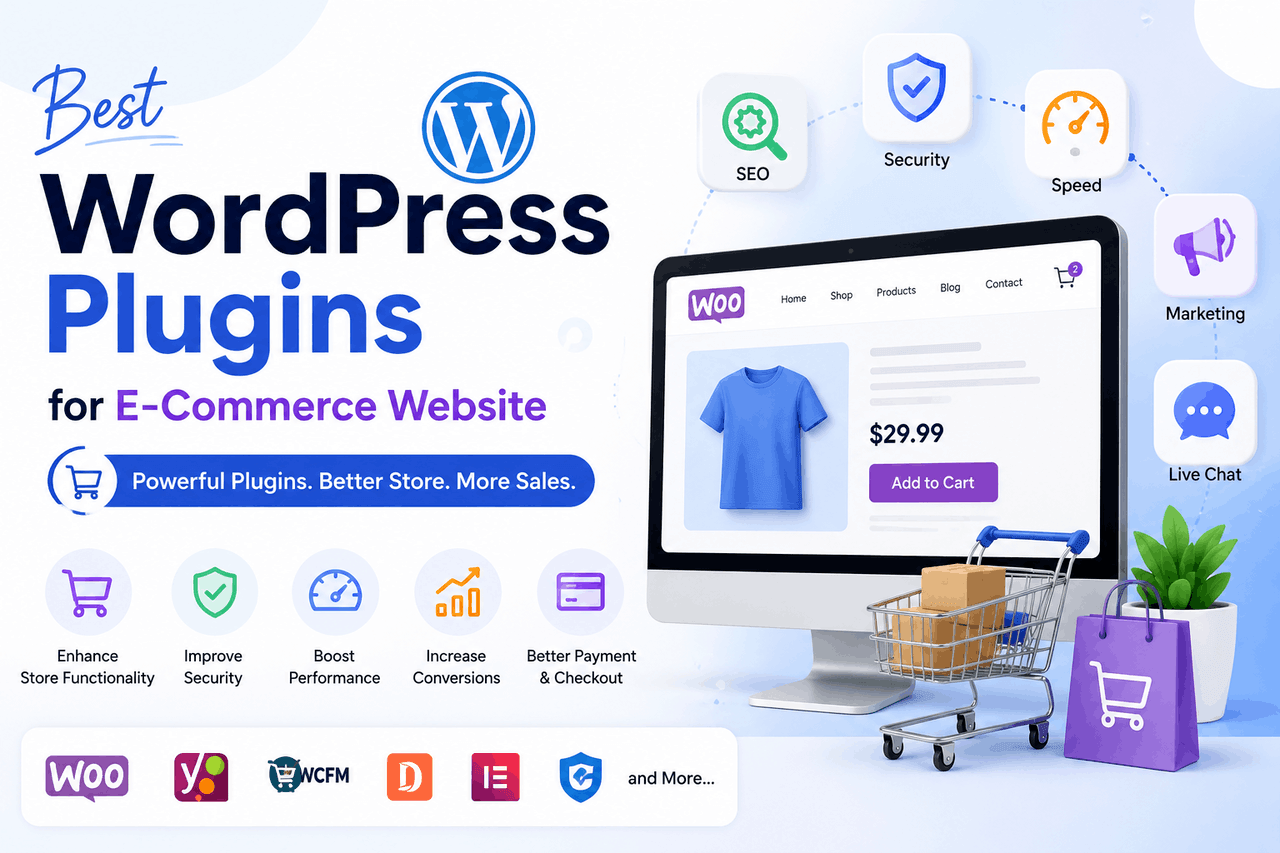
The best WordPress plugins for an e-commerce store are WooCommerce for core functionality, payment gateways like Stripe for checkout, security tools like Wordfence to protect data, SEO managers like Rank Math for visibility, and performance enhancers like WP Super Cache to keep load times fast.
Building an online store is like constructing a physical retail shop. WordPress is the foundation and walls, giving you a place to operate. But a foundation alone does not make a functional business. You need a cash register, a security system, display shelves, and a way to deliver goods to your customers. In the digital environment, plugins serve as these essential systems. They transform a basic website into a capable retail operation.
WordPress powers a massive portion of the internet. According to W3Techs (2023), WordPress runs over 40% of all websites. This popularity means developers constantly build and refine tools for the platform. You have access to thousands of add-ons that can handle everything from calculating shipping taxes to recovering abandoned shopping carts.
The challenge lies in choosing the right tools. Installing too many plugins slows down your site. Installing the wrong ones leaves your customer data vulnerable. This guide breaks down which tools you need to build a secure, fast, and profitable WordPress e-commerce store, helping you avoid the common pitfalls of digital retail.
Which e-commerce plugins are essential for a WordPress store?
Every store needs a core engine to process products, prices, and checkouts. You also need secure ways to accept money, calculate shipping, and protect your digital storefront from intruders.
Why is WooCommerce the standard for WordPress e-commerce?
Overview: WooCommerce is a free, open-source plugin that turns a standard WordPress site into a fully functioning e-commerce store. It manages product listings, shopping carts, and basic checkout functions.
Who is this for: Business owners who want complete control over their store data and avoid the high monthly fees associated with hosted platforms like Shopify.
Rewards: WooCommerce is incredibly flexible. Because it is open-source, you can modify almost any aspect of the shopping experience. It also integrates with nearly every third-party service available.
Risks: The core plugin is free, but you will likely need to purchase premium extensions for specific features like subscription billing or complex shipping rules.
What are the best payment gateway plugins for WooCommerce?
You need a way to move money from your customer’s bank account to yours. Multiple payment options directly improve conversion rates. According to the Baymard Institute (2023), 9% of shoppers abandon carts because their preferred payment method is missing.
Overview: Payment gateway plugins connect your checkout page to financial processors. Stripe, PayPal, and Square are the most common options.
Who is this for: Any store owner who sells products or services for actual money.
Rewards: Stripe offers a seamless checkout experience that keeps customers on your site. PayPal provides a sense of trust and familiarity for buyers hesitant to enter credit card details. Square works exceptionally well if you also run a physical retail location and want to sync your online and offline inventory.
Risks: All payment gateways take a percentage of your sales. This usually costs around 2.9% plus $0.30 per transaction. You must factor these processing fees into your product pricing.
How do you handle shipping calculations and tracking in WordPress?
If you sell physical goods, you have to get them to the buyer. Guessing shipping costs can destroy your profit margins or scare customers away with inflated rates.
Overview: Shipping plugins connect your store directly to carriers like FedEx, UPS, and USPS. They pull live rates based on package weight and customer location.
Who is this for: Merchants selling physical products who want to charge accurate shipping rates rather than offering a flat fee.
Rewards: These tools automate the entire fulfilment process. You can print shipping labels directly from your WordPress dashboard and automatically send tracking numbers to your buyers.
Risks: Live rate calculators rely on the carriers’ servers. If the USPS server goes down temporarily, your checkout page might fail to load shipping costs, preventing the customer from completing the purchase.
Which security plugins protect WordPress customer data best?
Online stores are prime targets for hackers. A breach can cost you your business and severely damage your reputation.
Overview: Security plugins act as digital bouncers. Tools like Wordfence and Sucuri monitor traffic, block malicious login attempts, and scan your files for malware.
Who is this for: Every single WordPress site owner. This is not optional for an e-commerce store holding customer names and addresses.
Rewards: Wordfence provides a strong endpoint firewall and real-time threat defence. Sucuri excels at cleaning up sites after an attack and offers an excellent cloud-based firewall.
Risks: Heavy security plugins can sometimes consume significant server resources, which might slow down your website if you use cheap shared hosting.
How can you improve marketing and SEO on a WordPress store?
Building a store does not guarantee that people will visit it. You need tools to help search engines understand your products and systems to keep in touch with your buyers.
Should you use Yoast SEO or Rank Math for product pages?
Search engines need clues to figure out what you are selling. SEO plugins provide those clues by structuring your page data.
Overview: Yoast SEO and Rank Math guide you through formatting your product titles, descriptions, and metadata. They also generate XML sitemaps to help Google index your store.
Who is this for: Store owners who want to attract free organic traffic from search engines like Google and Bing.
Rewards: Both plugins add schema markup to your products. This markup allows Google to display the product price, stock status, and star ratings directly in the search results, which drastically improves click-through rates.
Risks: Following the suggestions of an SEO plugin does not guarantee high rankings. They are tools for formatting, not magic wands for traffic. Over-focusing on getting a “green light” in Yoast can sometimes make your writing sound unnatural. Choose Rank Math if you want a lighter, faster plugin with more free features. Choose Yoast if you prefer a familiar, long-standing interface.
What are the best email marketing integrations for WooCommerce?
Most people who visit your store will leave without buying anything. Email marketing allows you to bring them back.
Overview: Plugins like Mailchimp for WooCommerce or Klaviyo connect your store data to your email provider. They automatically add buyers to your mailing list and track their purchase history.
Who is this for: Merchants who want to build long-term relationships with customers and increase their lifetime value.
Rewards: You can set up automated campaigns. If a user adds an item to their cart but leaves, the plugin triggers an email reminding them to complete the purchase. You can also send targeted emails, like offering a discount on coffee filters to people who recently bought a coffee machine.
Risks: Email marketing platforms charge based on the number of contacts you have. As your list grows, your monthly software costs will increase.
How do you integrate social media sharing on WordPress product pages?
Word of mouth remains a powerful sales driver. You want to make it easy for shoppers to share your products.
Overview: Social sharing plugins add customizable buttons to your product pages, allowing users to post your items to Facebook, Pinterest, or X.
Who is this for: Brands selling visually appealing products, such as clothing, art, or home decor.
Rewards: A single share from an influential customer can drive significant traffic to your store at no cost to you.
Risks: Adding too many social buttons clutters the product page and distracts the buyer from the main goal, which is clicking the “Add to Cart” button.
Which plugins improve WordPress store speed and user experience?
A slow store loses money. According to Portent (2022), a site that loads in one second has an e-commerce conversion rate three times higher than a site that loads in five seconds.
What are the best caching plugins to speed up WooCommerce?
WordPress builds pages dynamically. Every time a user clicks a product, the server fetches the data and constructs the page. This takes time.
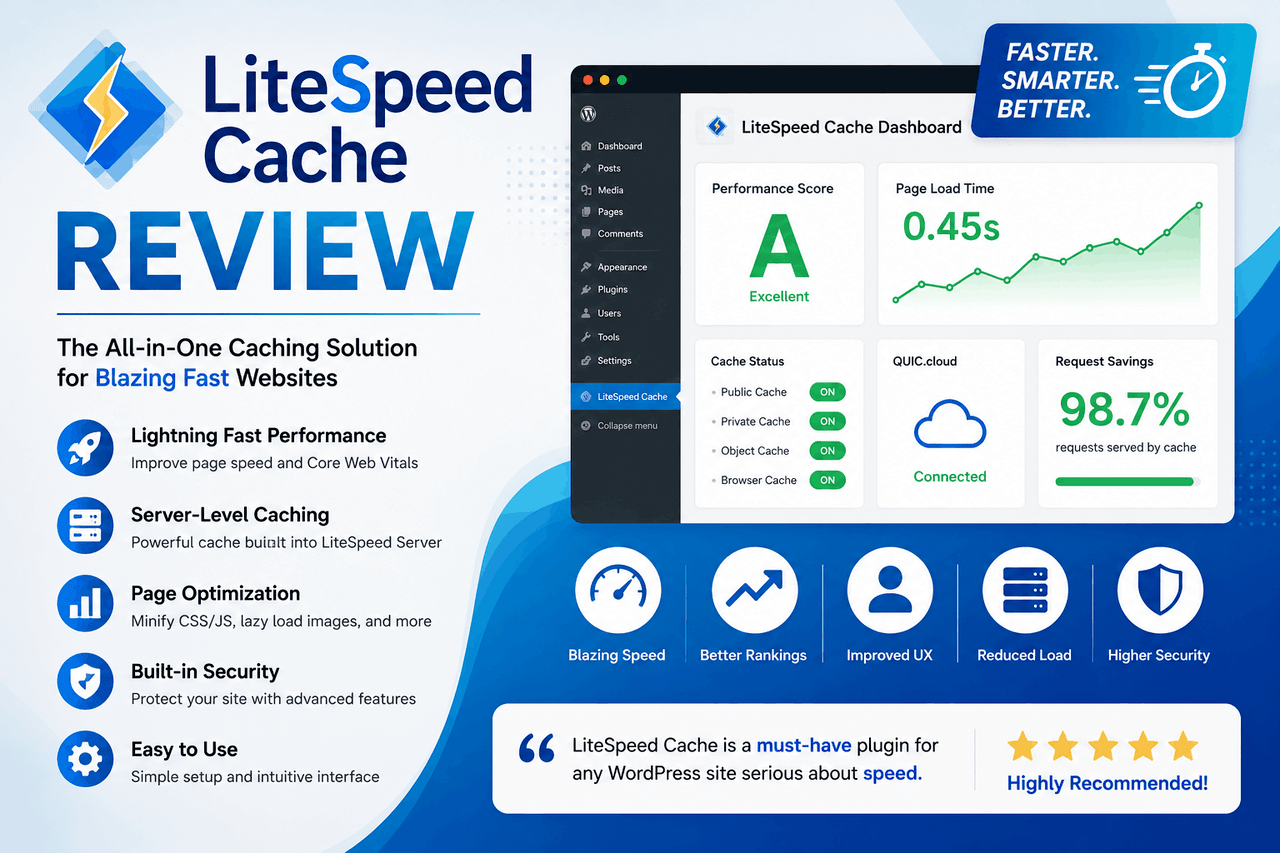
Overview: Caching plugins like WP Super Cache or LiteSpeed Cache create static HTML copies of your pages. They serve these ready-made copies to visitors, bypassing the heavy database lifting.
Who is this for: Any store owner experiencing sluggish load times.
Caching drastically reduces the time it takes for a page to appear on the user’s screen. A faster site improves the user experience and signals to Google that your site is of high quality.
Risks: E-commerce sites have dynamic elements that cannot be cached, like the shopping cart widget or the checkout page. If you configure a caching plugin incorrectly, customers might see someone else’s items in their cart.
How can you reduce image sizes without losing quality in WordPress?
High-quality product photos are essential for sales, but large image files are the primary cause of slow websites.
Overview: Image compression plugins like Smush or Imagify automatically shrink the file size of your photos as you upload them, stripping out unnecessary background data.
Who is this for: Store owners who upload large product galleries and want to keep their pages loading instantly.
Rewards: These tools reduce file sizes by as much as 70% while keeping the visual quality intact. They also convert images to modern, fast-loading formats like WebP.
Risks: Some heavy compression settings can cause images to look slightly blurry. You have to balance file size with visual clarity.
Which live chat plugins offer the best customer support experience?
Customers often have a quick question before they hand over their credit card. If they cannot find the answer, they leave.
Overview: Plugins like LiveChat or Tidio place a small chat widget in the corner of your screen, connecting the visitor directly to your support team.
Who is this for: Merchants selling high-ticket items or complex products that require explanation.
Rewards: Real-time assistance builds trust. You can guide a hesitant buyer through the checkout process and overcome their objections immediately.
Risks: If you install a live chat widget, you must actually monitor it. An unstaffed chat widget that says “leave a message” frustrates customers more than not having a chat widget at all.
What plugins add advanced functionality to a WordPress store?
Once your foundation is secure and fast, you can add features that increase your average order value and build customer loyalty.
How do you allow customers to personalise products in WordPress?
Standard WooCommerce allows you to sell simple items. But sometimes you need to collect specific input from the buyer.
Overview: Product customisation plugins let you add text fields, image uploaders, and colour swatches to your product pages.
Who is this for: Businesses selling custom apparel, engraved jewellery, or personalised gifts.
Rewards: You can charge a premium for personalised items. These plugins make it easy for the customer to type the exact name they want engraved directly on the product page.
Risks: Adding complex customisation options can complicate the checkout flow and make it difficult to manage inventory tracking.
What are the best plugins for managing recurring payments?
Selling a product once is great. Selling it every month automatically is better.
Overview: Subscription plugins like WooCommerce Subscriptions handle the complex logic of recurring billing, payment failures, and renewal scheduling.
Who is this for: Merchants selling physical consumable goods (like coffee beans) or digital memberships.
Rewards: Subscriptions create predictable, recurring revenue. You do not have to fight for every single sale each month.
Risks: Subscription plugins are expensive, often costing around $200 per year. You also have to ensure your payment gateway supports automatic recurring billing.
How do you set up an affiliate marketing program in WordPress?
You can pay other people to market your products for you.
Overview: Affiliate plugins like AffiliateWP allow you to create a network of partners. They give each partner a unique tracking link and calculate the commission when a sale occurs.
Who is this for: Store owners who have good profit margins and want to tap into the audiences of bloggers and influencers.
Rewards: You only pay for marketing when a successful sale happens. This makes affiliate marketing highly cost-effective compared to running paid advertisements.
Risks: You have to manage payouts, police your affiliates to ensure they are not using spam tactics, and deal with tax forms for your highest earners.
What are the best practices for managing WordPress plugins?
The greatest threat to a WordPress store is not a lack of features, but a lack of maintenance. A poorly managed plugin ecosystem leads to broken checkouts and security vulnerabilities.
- Choose the right tools: Only install plugins from reputable developers with high ratings and active support forums. Check the date of the last update. If a developer has not updated a plugin in two years, do not install it.
- Keep your system updated: Developers release updates to patch security holes and fix bugs. You must update your plugins regularly. Outdated software is the leading cause of WordPress hacks.
- Avoid functionality conflicts: Do not install two plugins that do the same thing. Running Yoast SEO and Rank Math simultaneously will break your site. Keep your plugin count as low as possible to maintain a fast store.
- Maintain regular backups: Always back up your database and files before running updates. If a new plugin version breaks your checkout page, you need the ability to restore the site to a working condition immediately.
Next steps for building a successful WordPress store
Building a WordPress e-commerce store requires careful selection of the right tools. Start with WooCommerce, secure your checkout with a reliable payment gateway, and protect your data with a strong firewall. From there, you can add SEO managers, caching tools, and advanced features like subscriptions as your business grows.
Take a look at your current setup. Identify any bottlenecks in your page speed or gaps in your customer experience, and select the specific plugin that solves that exact problem. Do not install tools you do not need. Keep your system lean, updated, and focused on serving your buyers.
Frequently asked questions about WordPress e-commerce plugins
How many plugins are too many for a WordPress store?
There is no strict numerical limit, but a good rule of thumb is to keep it under 30. Quality matters more than quantity. Ten poorly coded plugins will slow down your site more than fifty well-coded, lightweight ones.
Do I need a paid theme if I use premium e-commerce plugins?
No. You can use a free, fast theme like Astra or GeneratePress alongside premium plugins. However, a paid theme often includes built-in styling for WooCommerce, saving you time on design.
Can I run a WordPress store without WooCommerce?
Yes. You can use alternatives like Easy Digital Downloads (if you only sell digital files) or Ecwid. However, WooCommerce holds the largest market share, meaning it has the most third-party support and developer resources available.
What happens if a plugin breaks my website?
If a plugin causes your site to crash, you can disable it by accessing your site via FTP and renaming that specific plugin’s folder. This deactivates the tool and usually restores access to your WordPress dashboard.