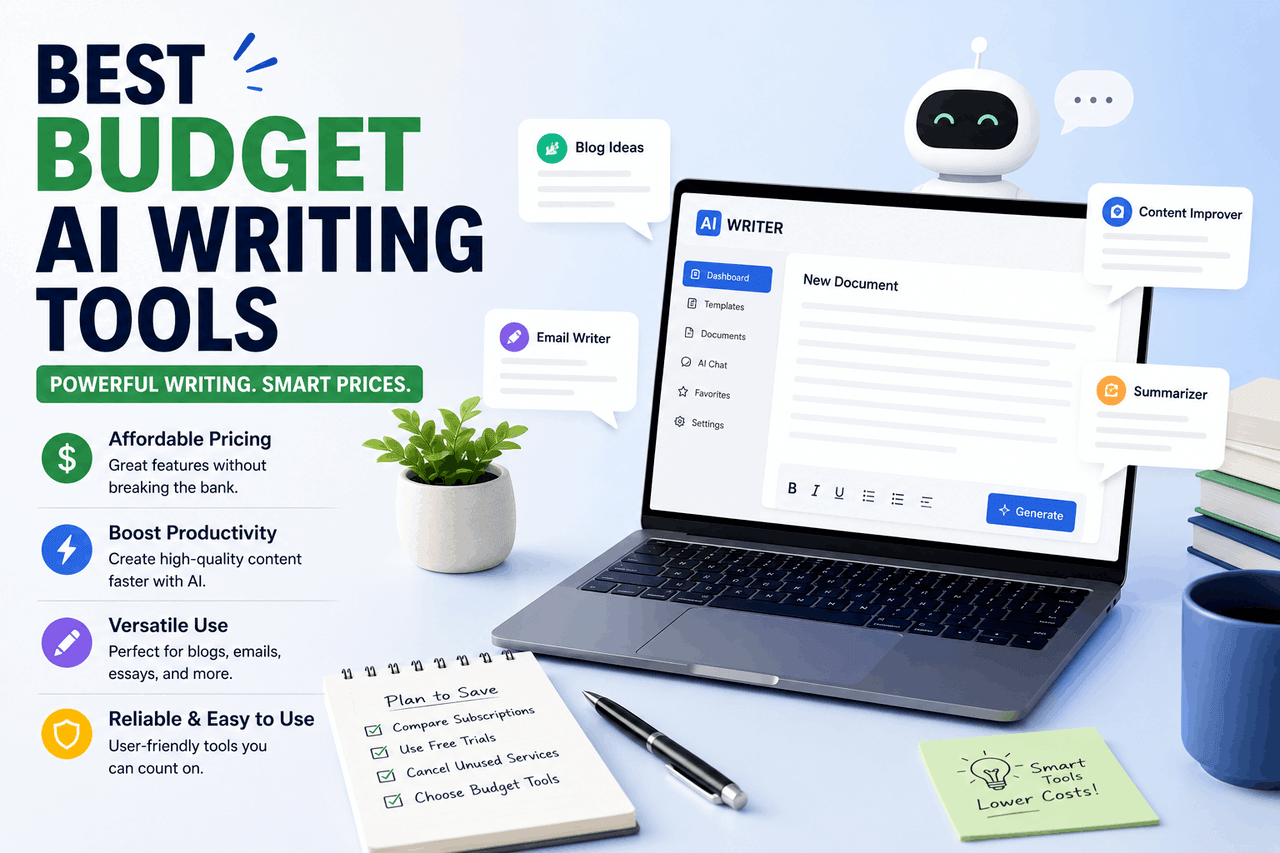
The best budget AI writing platforms for beginners are Rytr, Writesonic, and Notion AI. Rytr is the most affordable at $9 per month. Writesonic offers strong templates for marketing copy, while Notion AI is best for people who already use Notion for organization. Choose the tool that matches your daily workflow.
AI writing platforms are like bicycles in the world of digital content. They take the creative energy you already have and amplify it, getting you to your finished draft much faster than walking. You still have to pedal, but the journey takes a fraction of the time.
For a beginner, the sheer number of AI writing platforms can feel overwhelming. Many enterprise-level software suites cost hundreds of dollars a month. If you are just starting a blog, writing a newsletter, or drafting social media posts, you do not need a Ferrari. You need a reliable, affordable bicycle to get you moving.
Budget AI writing platforms give you access to advanced language models without the steep price tag. These tools generally cost between $9 and $20 a month. They offer simple interfaces, pre-built templates, and guided workflows that reduce the guesswork in prompting. You do not need to be a prompt engineer to use them effectively.
Finding the right platform means matching the software to your specific writing habits. Some platforms excel at short, punchy social media captions. Others are better suited for drafting long articles or summarizing research. This guide breaks down the most affordable AI writing assistants on the market so you can choose without draining your bank account.
What makes Rytr a good budget AI writing tool for beginners?
Overview
Rytr is a compact, low-cost option in the AI writing industry. It is small, affordable, and gets you exactly where you need to go without complicated features. The interface is a document editor beside a narrow column of templates. You select a use case, type a few keywords, and Rytr generates the text directly into your document.
Who is this for?
Rytr is ideal for freelancers, students, and small business owners who need short-form content. If your daily tasks include writing emails, product descriptions, or Facebook ad copy, Rytr is a practical choice. It is also perfect for users who want to spend less than $10 a month on software.
Risks
Rytr can struggle with long-form content. If you ask it to write a 2,000-word blog post in one click, the output will likely be repetitive and thin on facts. The unlimited plan costs $29 per month, which puts it outside the strict budget category. The $9-a-month Saver plan limits you to 100,000 characters, which you might burn through quickly if you generate multiple variations of every prompt.
Rewards
The main reward is cost. At $9 a month, it is one of the cheapest entry points into paid AI writing platforms. Rytr also supports over 30 languages and includes a built-in plagiarism checker. This saves you from buying a separate tool just to verify your text is original.
How does Writesonic help new writers on a strict budget?
Overview
Writesonic is built to handle marketing copy, blog posts, and SEO content. The platform uses a template-driven approach, guiding you through a step-by-step process to generate everything from landing page headlines to full articles.
Who is this for?
Writesonic is an excellent choice for beginner bloggers and affiliate marketers. If you need search-engine-friendly articles but do not have the budget to hire a freelance writer, this tool fills that gap. It is also good for users who want to switch between different AI models, such as GPT-3.5 and GPT-4, depending on the task’s complexity.
Risks
The pricing structure relies on a word credit system. The $19-a-month Chatsonic plan limits you to 10,000 premium words. If you are producing long articles daily, you will run out of credits before the month ends. The interface is also slightly more cluttered than Rytr’s, which might require a brief learning curve for complete beginners.
Rewards
Writesonic integrates with Surfer SEO, helping you create content that ranks well in search engines. The tool also features a chatbot called Chatsonic, which pulls real-time data from Google searches. This means your content can include up-to-date facts, avoiding the common AI problem of relying on outdated training data.
Why should beginners consider Notion AI for affordable writing?
Overview
Notion AI is a productivity tool inside the Notion workspace. You write your notes, plan your projects, and draft your content in the same place. When you get stuck, you press the spacebar, and Notion AI jumps in to finish your sentence, summarize your notes, or change the tone of your draft.
Who is this for?
Notion AI is best for people who already use Notion to organize their lives or businesses. It is a natural fit for project managers, students, and content creators who prefer having their research, outlines, and final drafts in a single digital workspace.
Risks
Notion AI is not a dedicated marketing tool. It lacks the specific, conversion-focused templates found in Writesonic or Copy.ai. If you need a tool to write high-converting Google Ads, Notion AI will require very detailed prompts to get the right output. It also costs $10 a month on top of your existing Notion subscription, though it is available on the free Notion plan as an add-on.
Rewards
The integration is seamless. You do not have to copy and paste text between windows. Notion AI can read the context of the page you are working on and generate relevant text. It is also excellent at reformatting messy thoughts into clean tables, bulleted lists, and actionable to-do items.
Is Copy.ai’s free tier enough for a beginner content creator?
Overview
Copy.ai is a collaborative brainstorming tool. It features a clean, chat-based interface alongside a massive library of over 90 writing templates. You type in what you need, and Copy.ai provides multiple variations for you to choose from.
Who is this for?
Copy.ai is highly recommended for social media managers and email marketers who suffer from writer’s block. The free tier is especially useful for absolute beginners who want to test the waters before committing to a subscription with a credit card.
Risks
The free tier is strictly limited to 2,000 words per month. This is enough for a handful of emails or tweets, but not for writing blog posts or white papers. If you want to upgrade, the Pro plan jumps to $49 a month, which removes it from the budget category entirely. Furthermore, the AI can sometimes sound overly enthusiastic or robotic, requiring you to manually edit the tone.
Rewards
The free tier gives you full access to all templates and the chat feature, with no time limit. Copy.ai is particularly good at generating multiple distinct angles for a single topic. If you need ten different ways to promote a single product on Twitter, Copy.ai can deliver them in seconds.
How does Wordtune offer cheap and fast writing assistance?
Overview
Wordtune is designed for rewriting, expanding, or shortening text you have already written. It operates primarily as a browser extension, following you across Gmail, Google Docs, and social media platforms.
Who is this for?
Wordtune is a great option for professionals who write their own content but struggle with phrasing and tone. If English is your second language, or if you want your corporate emails to sound more professional and concise, Wordtune is the right fit.
Risks
Wordtune will not write an article for you from scratch. It requires you to provide the raw material. The Wordtune will not write an article for you from scratch. Instead, it requires you to provide the raw material. The free plan is heavily restricted, offering only 10 rewrites per day. The premium plan costs $14.99 a month, which is reasonable, but you are paying for an editor rather than a full content generator.e. It simply polishes your thoughts. You can highlight a confusing paragraph and ask Wordtune to make it more casual, more formal, shorter, or longer. It integrates smoothly into your existing workflow without requiring you to open a separate application.
How does Claude 3 Haiku provide cheap AI writing?
Overview
Claude 3 Haiku is the entry-level model from Anthropic. It is a conversational chatbot similar to ChatGPT, known for its speed and affordability. You interact with it through a simple chat interface, giving it instructions and receiving immediate text responses.
Who is this for?
Claude 3 Haiku is perfect for users who want a conversational AI writing platform but prefer a more natural, less robotic tone than standard AI models. It is also a strong choice for writers who need to process large amounts of text quickly, such as summarizing long PDF reports or extracting key themes from interview transcripts. Or specific marketing tasks. You have to know how to write good prompts to get the best results. Additionally, while API usage is extremely cheap, accessing Claude through the main web interface requires a $20-a-month Pro subscription to guarantee access during high-traffic periods.
Rewards
Claude produces some of the most human-sounding text on the market. It rarely relies on the repetitive, flowery language that plagues other AI writing platforms. It also has a massive context window, meaning you can paste an entire 50-page document into the chat and ask it to write a summary based on that specific text.
How to choose the right budget AI writing platform for your needs
Selecting the right AI writing platform requires matching the tool to your primary output. First, track what you write most often over one week. If your week consists of writing short emails and social media captions, a tool like Rytr or the free tier of Copy.ai will serve you perfectly.
Next, determine your exact budget. If you absolutely cannot spend more than $10 a month, Rytr and Notion AI are your primary options. If you are willing to spend around $20 a month, Writesonic opens up significantly more power for long-form content.
Finally, consider your existing workflow. If you live inside Google Docs or Gmail, a browser extension like Wordtune will feel much more natural than logging into a separate dashboard. If you organize your life in Notion, adding Notion AI is a logical step. Do not force yourself to adopt a new organizational system just to use an AI writing platform.
Wrapping up your search for an affordable AI writing assistant
In the world of content creation, AI writing platforms are powerful equalizers. They allow beginners to produce professional-level text without hiring an expensive copywriter. But an AI writing assistant is still just software. It cannot replace your unique perspective, your personal experiences, or your understanding of your audience.
Start by choosing one budget tool and commit to learning its quirks for a month. Test its limits, figure out how it responds to different prompts, and learn how to edit its output. The goal is not to let the AI do all the work. The goal is to use AI to remove friction from your writing process, so you can share your ideas with the world faster and more clearly.
FAQs about Budget AI Writing Tools
Are free AI writing tools safe to use for business?
Yes, free AI writing platforms are generally safe for business use, but you must be aware of data privacy policies. Many free tools use the text you input to train their future language models. Do not put sensitive customer data, financial information, or proprietary business secrets into a free AI prompt.
Can Google detect content written by budget AI tools?
Google can detect AI-generated content, but its current policy states that it does not penalize content solely because it was written by AI. Google penalizes low-quality, spammy content that provides no value to the reader. If you use an AI writing platform to create helpful, accurate, and original text, your content can still perform well in search results.
What is the difference between ChatGPT and dedicated AI writing tools?
ChatGPT is a general-purpose conversational AI, while dedicated AI writing tools are built specifically for content creation. Tools like Writesonic and Rytr often use the same underlying technology as ChatGPT, but they add helpful layers on top. They provide pre-built templates, SEO integrations, and character limits that structure the writing process for beginners.
Will I own the copyright to the content I generate with AI?
The US Copyright Office currently maintains that you cannot copyright material that is entirely generated by artificial intelligence. Human authorship is required for copyright protection. If you generate a blog post with an AI writing platform and publish it without significant human editing, you likely do not hold the copyright to that exact text.
How long does it take to learn how to use an AI writing assistant?
You can learn the basics of an AI writing platform in about 15 minutes. Most budget tools feature intuitive interfaces where you simply select a template and fill in a few blanks. However, mastering the tool—learning how to write specific prompts to get the exact tone and structure you want—usually takes a few weeks of consistent practice.