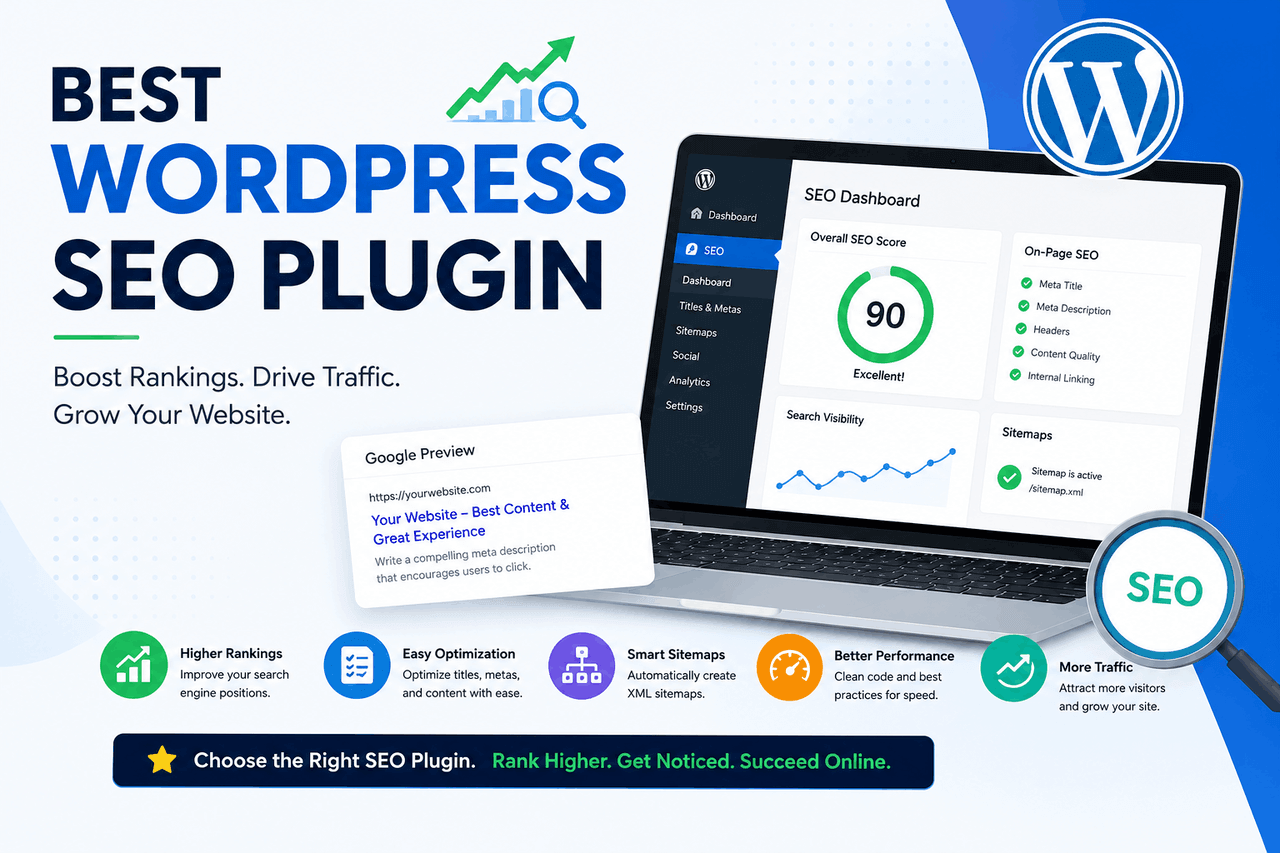
The best WordPress SEO plugins are Yoast SEO, Rank Math, All in One SEO (AIOSEO), SEOPress, and The SEO Framework. Rank Math is best if you want the most comprehensive free features, while Yoast SEO is best if you want guided content analysis as a beginner. Choose a plugin based on your budget and technical expertise.
A WordPress website without an SEO plugin is like a library without a catalogue system. You may have excellent content, but search engines will struggle to find and categorise it. Search engine optimisation (SEO) helps your website appear in search results on Google and other search engines. Because WordPress powers more than 40% of all websites, standing out requires specific tools.
WordPress SEO plugins help you manage technical details without code. They bridge your content and search engine algorithms, telling search engines what your pages are about, who should read them, and how they relate to the rest of your site.
If you want to bring organic traffic to your site, you will need one of these tools. The right choice depends on your budget, your experience level, and your website’s specific needs.
What key features should you look for in a WordPress SEO plugin?
Before you install a tool, you need to know what it does. Good WordPress SEO plugins handle technical tasks and content guidance. Here are the core features you should look for.EO settings
Your plugin needs to let you edit meta titles and meta descriptions. These snippets appear in Google search results. A good plugin previews how your page will look in search results and lets you easily adjust the text.
An XML sitemap is a list of all the important pages on your website. It acts as a roadmap for search engine bots. Your SEO plugin should generate this sitemap automatically and update it whenever you publish new content. rkup integration
Schema markup is a type of code that helps search engines understand the context of your content. It tells Google if a page is a recipe, a product review, or a frequently asked questions page. This markup can help you get rich snippets in search results, which tend to attract more clicks.
Content analysis and readability checks
Most SEO plMost SEO plugins scan your text as you write. They check whether you use your target keywords enough, but not too many. They also evaluate readability, looking for factors such as sentence length and the use of the passive voice.on management
When you delete a page or change its URL, you need to point the old link to a new destination. This is called a 301 redirect. Without redirects, visitors and search engines will hit a 404 error page. A solid SEO plugin includes a redirect manager for this process. Arch Console and Analytics integration
Connecting your site to Google Search Console and Google Analytics is essential for tracking performance. Many top plugins offer direct integrations, letting you view search data in your WordPress dashboard. The top WordPress SEO plugins available today?
The market for WordPress SEO tools is crowded, but five plugins consistently lead the pack for different strengths. Here is a detailed look at the top options.
Yoast SEO
Overview
Yoast SEO iYoast SEO is the most popular WordPress SEO plugin worldwide, with over 5 million active installations. It provides a traffic light system (red, orange, green) to help you assess your content’s SEO and readability before you publish. Is for?
Yoast SEO iYoast SEO is a great choice for beginners who want step-by-step guidance as they write. It is also good for standard blogs and small business websites. The content analysis tool is highly intuitive. Yoast forces you to focus on a single primary keyword, which keeps your writing focused. The free version includes essential features like XML sitemaps and basic schema markup. The setup wizard makes installation straightforward.
Risks
The free version is quite limited compared to competitors, restricting you to one focus keyword per page. The plugin interface can feel cluttered with advertisements urging you to upgrade to Yoast Premium, which costs $99 per year.
Overview
Rank Math is a newer WordPress SEO plugin that has grown rapidly by offering premium features for free. It uses a modular system, so you can turn specific features on or off as needed. Is for?
Rank Math is excellent for users who want advanced SEO features without paying for a premium license. It is a smart option for users who are comfortable with technical settings and want to keep their website lightweight.
Rewards
The free version of Rank Math allows you to optimise for up to five keywords per page. It includes built-in redirection management and advanced schema markup generators at no extra cost. The modular design keeps the plugin from slowing down your site.
Risks
The sheer number of settings can be overwhelming for total beginners. Because it offers so much functionality, a novice user might accidentally break something by changing a setting they do not understand.
All in One SEO (AIOSEO)
Overview
All in One SEO, often called AIOSEO, is one of the oldest SEO plugins for WordPress. Originally launched in 2007, it was recently rebuilt from the ground up to offer a more modern, streamlined user experience.
Who is this for?
AIOSEO is ideal for small business owners and e-commerce websites. It offers specialised modules for local SEO and WooCommerce, making it a strong tool for sellers of products or services.
Rewards
AIOSEO provides an actionable SEO audit checklist right in your dashboard. It points out exactly what is wrong with your site and tells you how to fix it. The setup wizard is highly tailored, asking you questions about your business type to automatically configure the settings.
Risks
Many of the most useful features, like the redirection manager and local SEO tools, require a paid Pro license. The premium versions start around $49 per year but jump to $199 per year for the features most businesses actually need.
SEOPress
Overview
SEOPress is a powerful, white-label SEO plugin. It offers a comprehensive suite of tools but focuses on keeping the WordPress dashboard clean and free of advertisements.
Who is this for?
SEOPress is well-suited for web agencies and developers who manage client websites. The white-label feature lets you remove SEOPress branding and replace it with your company logo.
Rewards
SEOPress does not include ads or footprints in the free version. The premium version is very affordable at $49 per year, and that single license covers unlimited websites. It includes robust features like broken link checking and dynamic schema markup.
Risks
The interface is slightly less intuitive for absolute beginners than Yoast or AIOSEO. The content analysis tool is effective but lacks the visual simplicity of Yoast’s traffic light system.
The SEO Framework
Overview
The SEO Framework is a lightweight, automated SEO plugin. Instead of focusing on content analysis and keyword grading, it automatically generates the appropriate technical SEO tags for your WordPress environment.
Who is this for?
This plugin is an excellent choice for experienced users who already know how to write SEO-friendly content and just need a tool to handle the technical metadata in the background.
Rewards
The SEO Framework is incredibly fast and will not slow down your WordPress site. It is entirely unbranded and does not show advertisements in your dashboard. It uses a colour-coded scale to show whether your metadata is the correct length, without forcing you to target specific keywords.
Risks
It lacks a dedicated keyword analysis tool. If you rely on a plugin to tell you where to place your keywords in your text, this plugin will not help you.
How do the top SEO plugins compare on price and features?
Choosing between these plugins often comes down to feature availability and pricing models.
Yoast SEO and AIOSEO follow a freemium model where the basic plugin is free, but advanced features like redirects quickly move behind paywalls. Yoast Premium costs $99 per year for one site. AIOSEO starts at $49 per year for basic premium features.
Rank Math offers the most generous free version. It includes redirects and multi-keyword analysis without requiring payment. Its Pro version costs $59 per year and covers unlimited personal websites.
SEOPress is the most budget-friendly premium option. The $49-per-year Pro license covers unlimited sites, making it highly cost-effective for agencies. The SEO Framework is free for core features, with premium extensions available starting at $84 per year.
For user-friendliness, Yoast and AIOSEO guide you through setting up most. Rank Math and SEOPress offer more settings, which add flexibility but create a steeper learning curve.
How can you use SEO plugins for advanced search strategies?
Installing a plugin is just the first step. You can use these tools to implement advanced, tailored SEO strategies for your business model.
Optimising for local SEO
If you run a physical business, local SEO helps you appear in Google Maps and local search results. You can use premium add-ons from AIOSEO or Yoast to add local business schema to your site. This tells Google your exact address, opening hours, and contact information directly in the code.
E-commerce SEO considerations
Online stores have unique SEO needs. Product pages require specific schema markup so search engines can display prices, stock status, and star ratings in the search results. Most top plugins integrate directly with WooCommerce to automate this product markup. You will want to ensure your plugin is set to exclude cart and checkout pages from search results.
Image SEO best practices
Images can drive significant traffic through Google Images. Search engines cannot see pictures, so they rely on text to understand them. You should use your SEO plugin to automatically add title and alt text attributes to your images based on the file names.
What common WordPress SEO mistakes should you avoid?
Even with the best plugin installed, user error can harm your rankings. Be aware of these common pitfalls.
Keyword stuffing
A plugin might tell you to use your keyword more often, but forcing keywords into your text sounds unnatural. Search engines are smart enough to understand synonyms and related concepts. Write for human readers first. If a sentence sounds robotic, rewrite it.
Ignoring mobile SEO
Google uses mobile-first indexing, meaning it evaluates the mobile version of your site before the desktop version. Your SEO plugin cannot fix a website design that looks terrible on a phone. Ensure your WordPress theme is responsive and loads quickly on mobile networks.
Overlooking site speed
A slow website will hurt your rankings, regardless of your SEO plugin. While a lightweight plugin like The SEO Framework helps, you also need to use a caching plugin, compress your images, and invest in quality web hosting.
Ready to choose your WordPress SEO plugin?
A WordPress SEO plugin is a necessary tool for managing how search engines crawl and index your website. Rank Math offers the best value for users who want comprehensive free features. Yoast SEO remains the top choice for beginners who need clear, visual writing guidance. SEOPress offers the best deal for agencies managing multiple client sites.
Pick one plugin, install it, and run the setup wizard. Do not install multiple SEO plugins at once, as they will conflict and break your site’s code. Once your plugin is active, your focus should return to publishing high-quality content that answers your audience’s questions.
Frequently asked questions about WordPress SEO plugins.
Are free WordPress SEO plugins good enough?
Yes. For most bloggers and small websites, the free versions of Rank Math or Yoast SEO provide all the necessary features, including sitemaps and metadata management. You only need a paid version if you require advanced WooCommerce integration, multiple keyword tracking, or premium support.
Can I use two SEO plugins at the same time?
No. You should never run two WordPress SEO plugins at the same time. They will output duplicate metadata and sitemaps, which confuse search engines and can actively harm your rankings.
Will an SEO plugin automatically rank my site on Google?
No. An SEO plugin only prepares your website’s technical foundation and helps you format your content. Ranking well requires publishing high-quality content, earning backlinks from other websites, and aligning with your target audience’s search intent.