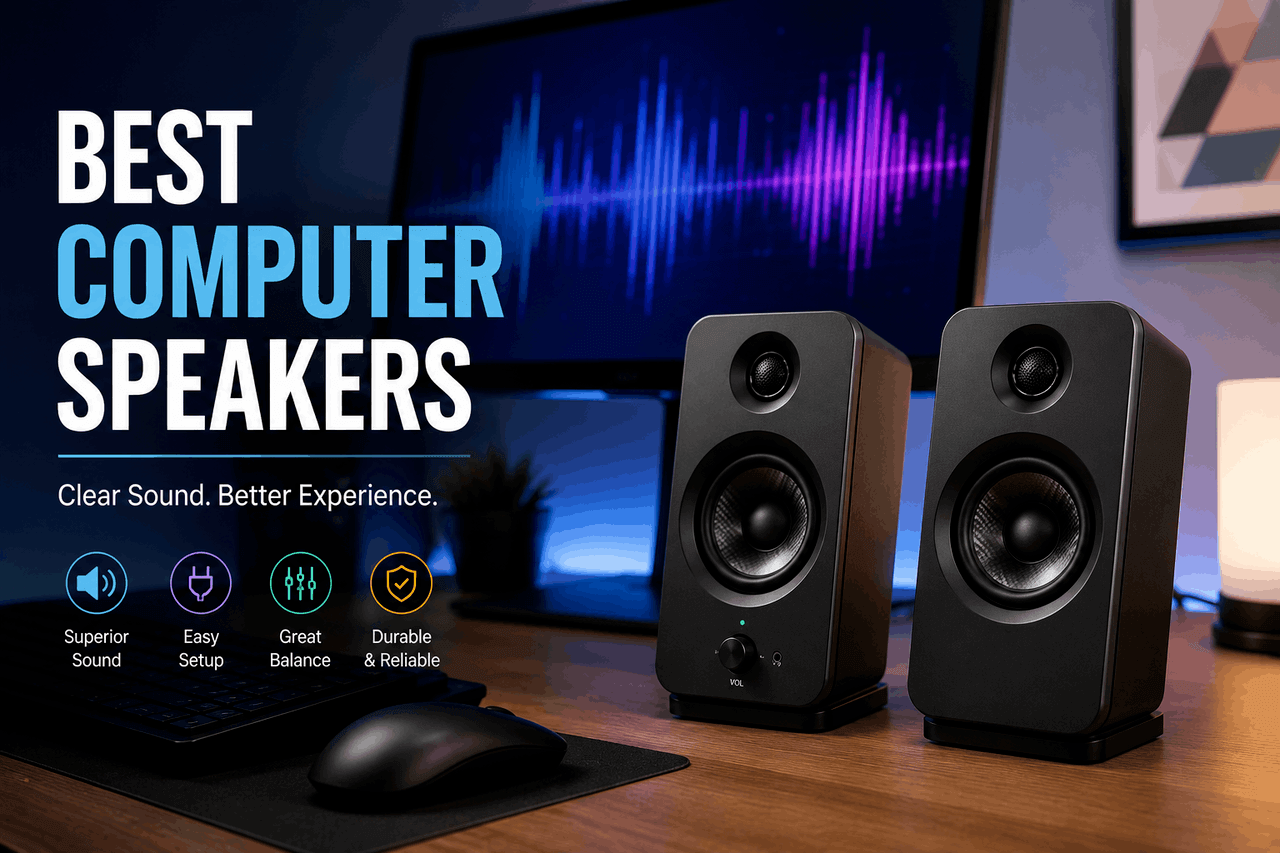
The best computer speakers depend on your primary use. Choose 2.0 stereo systems for general office work, 2.1 systems with a subwoofer for gaming or movies, and studio monitors for music production. Top choices typically offer a mix of Bluetooth connectivity, dedicated tweeters, and active amplification.
Good computer speakers transform your audio experience at your desk. From simple background music to immersive video game soundscapes, the right setup delivers clear highs and deep lows that standard laptop speakers cannot match. That means you can hear dialogue clearly in meetings and catch subtle details in your favourite albums.
This guide covers the best computer speakers available today. You will learn about different speaker configurations, key features to look for, and specific models that fit various budgets and needs. If you spend hours at your desk working, playing, or editing media, upgrading your audio equipment is a practical investment. Read on to find the right speaker system for your workspace.
What types of computer speakers are available?
There are many ways to configure your desk audio — from simple space-saving units to elaborate multi-channel systems. That means you can find speakers that fit your physical workspace and combine them with your computer hardware to create an optimal listening environment.
2.0 Stereo Speakers
A 2.0 system consists of two speakers, with no dedicated subwoofer. These systems save desk space and require fewer cables. They are well-suited for general office work, voice calls, and casual music listening. However, they generally lack deep bass reproduction.
2.1 Stereo Speakers with a Subwoofer
A 2.1 system adds a dedicated subwoofer to the standard left and right speakers. The subwoofer sits on the floor and handles low-frequency sounds. This setup is ideal for movies, bass-heavy music, and action-oriented games. The trade-off is the extra space required under your desk and the additional wire routing.
Soundbars
Computer soundbars sit directly below your monitor. They provide a clean, minimalist look and eliminate the clutter of multiple speaker cabinets. While they offer a wide soundstage, they typically do not provide the same stereo separation as independent left and right speakers.
Gaming Speakers
Gaming computer speakers often feature reactive RGB lighting and spatial audio software. They are designed to highlight directional cues, such as footsteps in a first-person shooter. That said, they often emphasise bass and treble over a flat, accurate frequency response.
What features should you consider before buying?
Understanding speaker specifications helps you avoid overspending on features you do not need. Keep these core elements in mind when making your choice.
Audio Quality
Look at the frequency response, which indicates the range of sounds the speaker can produce. A wider range (typically 20Hz to 20kHz) captures more highs and lows. Dedicated tweeters handle high frequencies, while woofers handle the mids and lows.
Connectivity
Modern computer speakers offer multiple connection options. USB connections provide digital audio directly from your computer, which often bypasses inferior internal sound cards. A 3.5mm auxiliary input remains the standard for universal compatibility. Bluetooth allows you to stream music from your smartphone without turning on your computer.
Power Output
Manufacturers list power output in watts. Focus on the RMS (Root Mean Square) wattage rather than peak wattage. RMS indicates the continuous power the speaker can handle, giving you a more accurate picture of its true volume capabilities.
Design and Aesthetics
Your speakers will sit on your desk every day. Choose a design that complements your monitor and peripherals. From sleek metal finishes to classic wooden enclosures, the right aesthetic enhances your workspace.
What are the best overall computer speakers?
These models balance price, performance, and footprint, making them excellent choices for most desk setups.
Audioengine A2+ Wireless
The Audioengine A2+ is designed for home office workers and casual audiophiles who want premium sound without a massive footprint. These speakers may lack earth-shaking bass due to their small size. However, they reward you with incredibly clear, detailed mid-range and high-end audio, alongside seamless Bluetooth connectivity. You can purchase these directly from audio retailers or major online electronics stores.
Logitech Z407
The Logitech Z407 fits everyday users who consume mixed media, from YouTube videos to streaming music. The included subwoofer requires floor space and cable management. But the system compensates with a wireless control dial that lets you adjust volume and bass right from your desktop. This makes it a highly convenient option for shared workspaces.
What are the best budget-friendly computer speakers?
You do not need to spend hundreds of dollars to improve your computer’s audio. These budget picks offer significant upgrades over built-in laptop speakers.
Creative Pebble V3
The Creative Pebble V3 is built for students and remote workers with limited desk space. Because they are powered solely by a USB-C cable, they cannot reach high volume levels or produce deep bass. That said, their 45-degree elevated drivers direct sound perfectly toward your ears, providing excellent vocal clarity for video calls. They are widely available through most online marketplaces.
Edifier R1280T
The Edifier R1280T appeals to budget-conscious listeners who prefer a traditional bookshelf speaker design. Their larger wooden enclosures take up significant desk space. However, they deliver a warm, robust sound signature that easily outclasses the sound of smaller plastic speakers in the same price tier. You can connect them to two different audio sources simultaneously via dual RCA inputs.
What are the best premium computer speakers?
For those willing to invest in high-end audio, these computer speakers deliver room-filling sound and premium build quality.
KEF LSX II
The KEF LSX II targets serious audiophiles who want the best possible audio performance at their desk. They carry a steep premium price tag and require careful placement. But they reward you with true high-fidelity sound, deep streaming integration, and a unified driver design that creates a flawless acoustic sweet spot. They are available through specialised high-end audio dealers.
Klipsch The Fives
Klipsch The Fives are suited for users who want to connect multiple devices, including turntables and televisions, alongside their computer. They are heavy and require ample desk space. That said, their built-in dynamic bass EQ delivers powerful, room-shaking low-end without the need for a separate subwoofer. They are a great choice for a home office that doubles as an entertainment room.
What are the best computer speakers for gaming?
Gaming computer speakers prioritise immersion and directional audio to give you an edge in your favourite titles.
Razer Nommo V2
The Razer Nommo V2 is built for PC gamers heavily invested in the Razer peripheral ecosystem. The required Synapse software can be cumbersome to navigate. However, the system provides THX Spatial Audio for precise directional sound and reactive RGB lighting that syncs with your gameplay. This system is available directly from Razer or major gaming retailers.
SteelSeries Arena 7
The SteelSeries Arena 7 is ideal for gamers who want a 2.1 system with deep integration into their game audio settings. The subwoofer is quite large and requires dedicated floor space. But the resulting bass response makes explosions and engine sounds feel incredibly impactful. The speakers also feature a robust USB connection and a 10-band equaliser via the SteelSeries Sonar software.
What are the best computer speakers for music production?
If you mix audio, edit video, or produce music, you need studio monitors that provide a flat, uncoloured frequency response.
PreSonus Eris E3.5
The PreSonus Eris E3.5 targets beginner audio engineers and podcasters setting up their first home studio. Because they aim for a flat response, they may sound less exciting or “punchy” than consumer speakers. That means they give you an accurate representation of your audio mix, ensuring your work sounds good on other devices. They are available at most musical instrument retailers.
Yamaha HS5
The Yamaha HS5 is the industry standard for professional home studio producers. These speakers are sold individually, and they require a separate audio interface to connect to your computer. However, their iconic white-cone woofers and meticulously engineered enclosures deliver ruthless accuracy, exposing any flaws in your audio mix. You can find them at dedicated pro-audio stores.
How do you set up your new computer speakers?
Proper setup ensures you get the best audio performance from your new investment. According to a 2023 guide by SoundGuys, poor placement can ruin the frequency response of even the most expensive speakers.
Wired Connections
For standard 3.5 mm analogue speakers, plug the green cable into the green “Line Out” port on your computer’s motherboard or sound card. For USB computer speakers, plug the cable directly into an available USB port on your PC. Your computer should automatically recognise the device.
Wireless Connections
To connect Bluetooth speakers, turn the speakers on and press their pairing button. Open your computer’s Bluetooth settings, select “Add Device,” and choose your speakers from the list. Keep in mind that Bluetooth audio introduces a slight latency, which may cause lip-sync issues during video playback or gaming.
Optimising Speaker Placement
Position your left and right speakers to form an equilateral triangle with your head. Point the tweeters directly at your ears. If you have a subwoofer, place it on the floor near a wall or corner to maximise bass response, but keep it away from your computer tower to prevent vibrations from damaging your hard drives.
How can you fix common computer speaker issues?
Even reliable computer speakers occasionally run into technical hiccups. Follow these steps to resolve the most frequent problems.
No Sound
If your speakers produce no audio, check your operating system’s default playback device. Click the speaker icon in your taskbar and ensure your specific computer speakers are selected. Next, verify that the physical power cable is plugged into a working outlet and the power switch is turned on.
Distorted Audio
Distortion usually occurs when the audio signal is pushed too hard. Lower the volume within your computer’s operating system to 80%, and use the physical volume knob on the speakers to make further adjustments. If the distortion persists, check the audio cable for frays or loose connections.
Connectivity Problems
If your Bluetooth computer speakers frequently disconnect, ensure they are within range (typically 30 feet) and free from physical obstructions. For wired USB speakers that drop the connection, try plugging them into a different USB port, preferably one directly on the motherboard rather than a USB hub.
Choose the right computer speakers for your desk.
Upgrading your computer speakers is a simple way to improve your daily computing experience. From budget-friendly desktop options like the Creative Pebble V3 to professional studio monitors like the Yamaha HS5, there is an option for every workflow.
Assess your primary needs, measure your available desk space, and set a budget. Once you connect a dedicated set of speakers, you will likely never want to rely on the laptop’s built-in audio again. Check your favourite electronics retailer to compare current prices on the models listed in this guide.
FAQs about computer speakers.
Are 2.1 computer speakers better than 2.0 computer speakers?
Choose a 2.1 system if deep bass matters more to you than saving desk space. The dedicated subwoofer handles low frequencies much better than a 2.0 system. However, for general office tasks and voice calls, a 2.0 system is usually sufficient and requires less cable management.
Do I need a separate amplifier for my computer speakers?
Most modern computer speakers are “active,” meaning they have an amplifier built directly into the cabinet. You only need a separate amplifier if you purchase “passive” bookshelf speakers. Active speakers are generally much easier to set up for a desk environment.
How long do computer speakers typically last?
According to industry standards, high-quality computer speakers can last over a decade if properly maintained. Keep them out of direct sunlight, avoid constantly pushing the volume to maximum levels, and dust the enclosures regularly to extend their lifespan.