
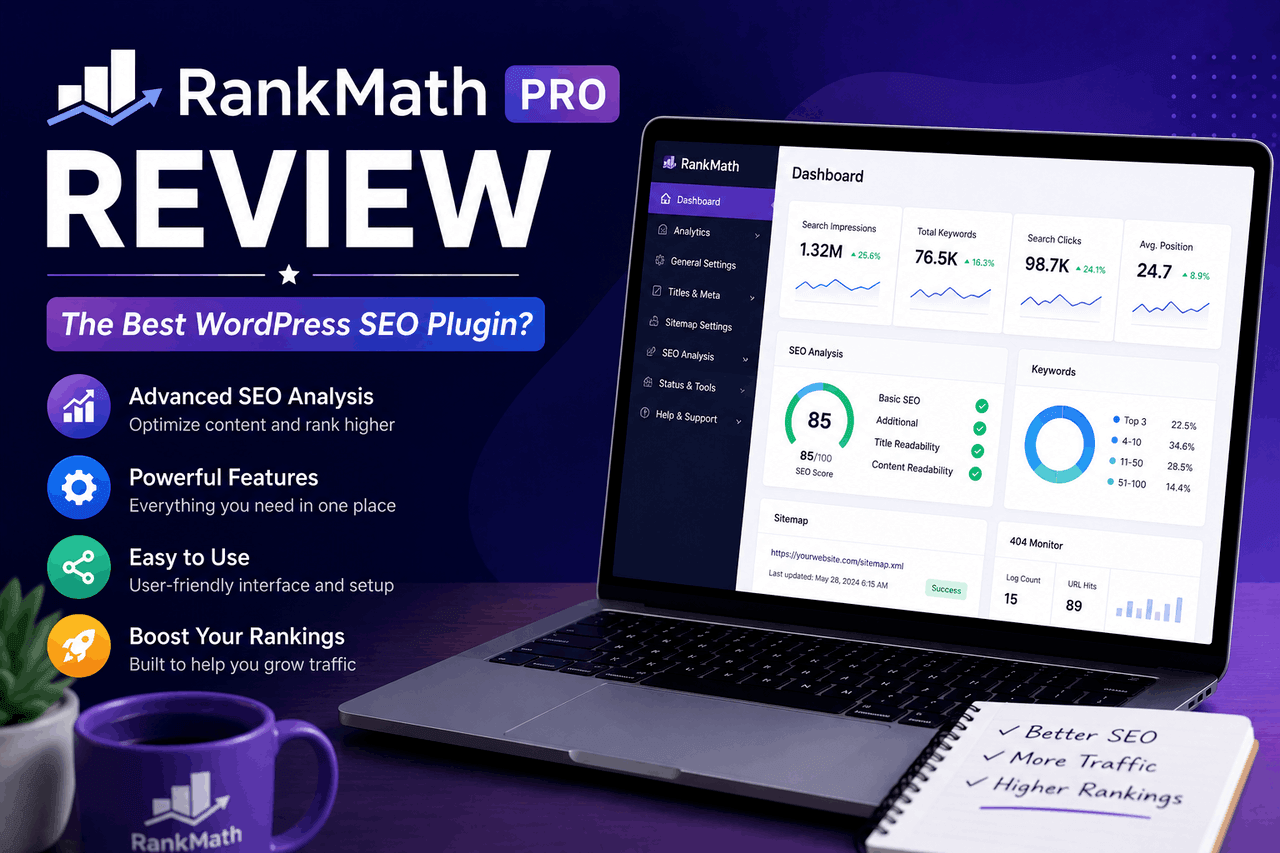
Rank Math Pro is a premium WordPress SEO plugin that handles on-page optimization, schema markup, keyword tracking, and analytics in one place. It’s a strong fit for site owners who want advanced SEO features at a lower price than competitors like Yoast Premium. The trade-off? A busier interface that can overwhelm beginners at first.
If you run a WordPress site, you already know SEO isn’t optional. The right plugin can save you hours and help your content rank higher. Rank Math Pro has become one of the most talked-about options in the space, promising a long list of features for a price that undercuts most rivals.
But a long feature list doesn’t always mean a better tool. The real questions are simpler: Does it work? Is it easy to use? And is the Pro version worth paying for when the free version already does so much?
This review breaks down what Rank Math Pro offers, how it compares to other plugins, and how to set it up. You’ll also find a clear-eyed look at the pros and cons so you can decide if it fits your SEO strategy.
What is Rank Math Pro and why does it matter for SEO?
Rank Math Pro is the premium tier of the Rank Math SEO plugin for WordPress. That means you get everything in the free version plus advanced tools for tracking keywords, automating schema, and connecting your data to Google services.
SEO plugins matter because they translate complex search engine rules into actions you can actually take. Most WordPress users aren’t SEO experts. A good plugin tells you what to fix, scores your content, and handles the technical pieces you’d otherwise need a developer for.
Rank Math launched in 2018, later than established names like Yoast. That timing worked in its favor. The team built the plugin around features competitors charged extra for, and they bundled many of them into the free version from the start. Rank Math Pro extends that approach with tools aimed at serious content creators, agencies, and store owners.
So who is it for? From hobby bloggers to large agencies managing dozens of client sites, Rank Math Pro scales across skill levels. The deeper features reward users who want granular control, but the guided setup keeps it approachable for newcomers, too.
What are the key features of Rank Math Pro?
Rank Math Pro packs a lot into one plugin. Here’s a closer look at the features that matter most and who benefits from each.
Keyword rank tracking
Rank Math Pro tracks your keyword positions directly inside your WordPress dashboard. That means you don’t need a separate rank-tracking subscription to see how your pages perform over time.
You can monitor up to 500 keywords on the standard Pro plan and watch their movement on a simple graph. The tool also groups keywords so you can track an entire topic at once. For anyone who’s juggled multiple tools to check rankings, this consolidation saves real time.
Advanced schema and rich snippets
Schema markup tells search engines what your content actually is — a recipe, a product, a review, an FAQ. Rank Math Pro includes a Schema Generator with over a dozen pre-built types and the option to build a custom schema.
That means your pages become eligible for rich results, such as star ratings or FAQ dropdowns, which can boost your click-through rate. You can set a default schema for each post type, so new content is automatically marked up. That’s less manual work on every post.
Google Analytics and Search Console integration
Rank Math Pro pulls your Google Analytics and Search Console data into the dashboard. So you can see traffic, impressions, clicks, and rankings without switching tabs.
This integration also flags which posts are losing traffic and which keywords are close to the top of page one. For busy site owners, having that data next to your content makes it easier to act on. That said, the data depth still depends on what Google reports, so treat it as a helpful overview rather than a replacement for the full Analytics interface.
Content AI
Content AI is Rank Math Pro’s writing assistant. It suggests related keywords, questions, and content length targets based on what’s already ranking for your topic.
The feature uses a credit system, which means heavy users may need a higher plan or an add-on credit package. For writers who want guidance on what to include, it’s a useful starting point. But it won’t write the article for you, and you’ll still need to judge whether its suggestions fit your audience.
WooCommerce SEO
If you run an online store, Rank Math Pro adds dedicated WooCommerce features. These optimize product pages, add product schema, and improve how your items appear in search.
That means store owners get e-commerce SEO built in, rather than bolted on through extra plugins. For anyone selling products through WordPress, this is one of the strongest reasons to choose Rank Math Pro over a general-purpose competitor.
How does Rank Math Pro compare to other SEO plugins?
The WordPress SEO market is crowded. From Yoast to All in One SEO (AIOSEO) to SEOPress, you have several solid options. Here’s how Rank Math Pro stacks up.
Against Yoast Premium, Rank Math Pro generally offers more features for less money. Yoast charges per site, while Rank Math Pro’s entry plan covers unlimited personal sites. Yoast still wins points for its long track record and large support community, which matters if stability is your top priority. Choose Yoast if you value a mature, conservative tool over a feature-rich one.
Between All in One SEO and the two, they are close competitors—both offer schema, WooCommerce support, and analytics integration. Rank Math Pro tends to include more in its lower tiers, while AIOSEO has a reputation for a slightly cleaner setup flow. Choose AIOSEO if a simpler interface matters more to you than raw feature count.
Against SEOPress, Rank Math Pro offers a broader feature set, while SEOPress appeals to users who want a lightweight, no-frills plugin. Choose SEOPress if performance and simplicity matter more than advanced extras.
The short version: Rank Math Pro packs the most features per dollar, but it asks you to learn a busier interface in return. If you want maximum control and value, it’s hard to beat. If you want the simplest possible experience, a lighter competitor may suit you better.
How do you set up and optimize with Rank Math Pro?
Getting started with Rank Math Pro is straightforward. The plugin includes a setup wizard that walks you through the basics. Here’s the step-by-step process.
Step 1: Install and activate the plugin. Buy a Pro plan, download the plugin file, and upload it through your WordPress dashboard under Plugins → Add New → Upload. Activate it with your account.
Step 2: Run the setup wizard. The wizard asks about your site type — blog, business, or store — and configures sensible defaults. Connect your Rank Math account to unlock the Pro features.
Step 3: Connect Google services. Link your Google Analytics and Search Console accounts. This feeds performance data into your dashboard, so do it early to start collecting history.
Step 4: Configure your titles and meta. Set up templates for how titles and descriptions appear across post types. Good templates mean every new post starts with solid metadata by default.
Step 5: Optimize individual posts. As you write, use the content score and Content AI suggestions in the editor. Aim to address the high-impact items first — focus keyword in the title, a clear meta description, and internal links.
Step 6: Set up schema defaults. Assign default schema types to your post types so new content is automatically marked up. Review the schema on key pages to confirm it matches the content.
Step 7: Track and refine. Check your rank tracker and Analytics data regularly. Use the insights to update older posts that are slipping or sitting just below page one.
The whole process takes less than an hour at most sites. After that, day-to-day use is mostly about following the on-page suggestions as you publish.
What do real users say about Rank Math Pro?
Rank Math has grown quickly, and user feedback helps explain why. The plugin is active on millions of WordPress sites and has strong ratings on the official WordPress plugin directory.
Common praise centers on value. Many users switch from a competitor and report getting more features for a lower annual cost. Bloggers often mention the guided on-page scoring as the thing that helped them publish more SEO-friendly content without having to learn SEO from scratch.
Agencies tend to highlight the multi-site management and white-label options on higher tiers. For someone managing client work, configuring settings once and applying them across sites saves meaningful time.
The criticism is consistent, too. Some users find the sheer number of settings overwhelming at first, especially if they migrated from a simpler plugin. Others mention that Content AI credits run out faster than expected on busy publishing schedules. These aren’t dealbreakers for most, but they’re worth knowing before you commit.
Pros and cons of Rank Math Pro
Every tool involves trade-offs. Here’s an honest summary.
Pros:
- Strong value. You get advanced features at a lower price than most premium competitors, with unlimited personal sites on the entry plan.
- Built-in rank tracking. Monitor up to 500 keywords without paying for a separate tool.
- Powerful schema options. Over a dozen schema types plus custom schema support for rich results.
- Google integration. Analytics and Search Console data live inside your dashboard.
- WooCommerce support. Dedicated e-commerce SEO features for online stores.
- Guided optimization. On-page scoring helps non-experts publish better content.
Cons:
- Steeper learning curve. The wide range of settings can overwhelm beginners at first.
- Credit-based Content AI. Heavy writers may need to buy additional credits or upgrade to a higher plan.
- Younger track record. Newer than Yoast, with a smaller (though fast-growing) support community.
- Feature overload risk. Some users may never use much of what they’re paying for.
Is Rank Math Pro worth it for your SEO strategy?
Rank Math Pro delivers a deep feature set at a price that’s hard to argue with. For most WordPress site owners, it offers more than you’ll find in similarly priced competitors. That means strong value if you want serious SEO control without paying premium rates.
So, who should buy it? Choose Rank Math Pro if you want advanced features — rank tracking, rich schema, WooCommerce SEO, and Google data — bundled into one affordable plugin. It’s an especially good fit for bloggers ready to level up, store owners who need e-commerce SEO, and agencies managing multiple sites.
That said, it isn’t for everyone. If you want the simplest possible tool and don’t need the extras, a lighter plugin like SEOPress may serve you better. And if a long track record matters more to you than features, Yoast remains a safe pick.
Here’s a practical next step: try the free version of Rank Math first. It already includes more than many paid plugins, so you can test the interface and on-page scoring before spending a cent. If you find yourself wanting rank tracking, advanced schema, or store features, upgrading to Pro is a logical move.
Frequently asked questions
How much does Rank Math Pro cost?
Rank Math Pro is sold as an annual subscription, with the entry-level Pro plan covering unlimited personal websites. Higher tiers (Business and Agency) add support for client sites, more Content AI credits, and white-label options. Pricing can change, so check the official Rank Math site for current rates before you buy.
Is the free version of Rank Math enough, or do I need the Pro version?
The free version of Rank Math is unusually generous and works well for many blogs and small sites. You’ll want Pro if you need built-in keyword rank tracking, advanced, automated schema, Google Analytics integration in WordPress, or WooCommerce SEO features. For basic on-page optimization, free may be all you need.
Can I switch from Yoast to Rank Math Pro without losing my SEO data?
Yes. Rank Math includes an import tool that transfers your settings and metadata from Yoast, All in One SEO, and other major plugins. The process is guided, but back up your site as a precaution first. Most users complete the migration without losing their existing SEO data.
Will Rank Math Pro slow down my website?
Rank Math is built to be modular so that you can turn off features you don’t use to keep it lean. In most cases, it has a minimal effect on speed. That said, any plugin adds some overhead, so disable unused modules and pair it with good hosting for the best results.
Is Rank Math Pro good for WooCommerce stores?
Yes. Rank Math Pro includes dedicated WooCommerce SEO features that optimize product pages, add product schema, and improve how products appear in search results. For online stores running on WordPress, this built-in e-commerce support is one of the plugin’s standout reasons to upgrade.