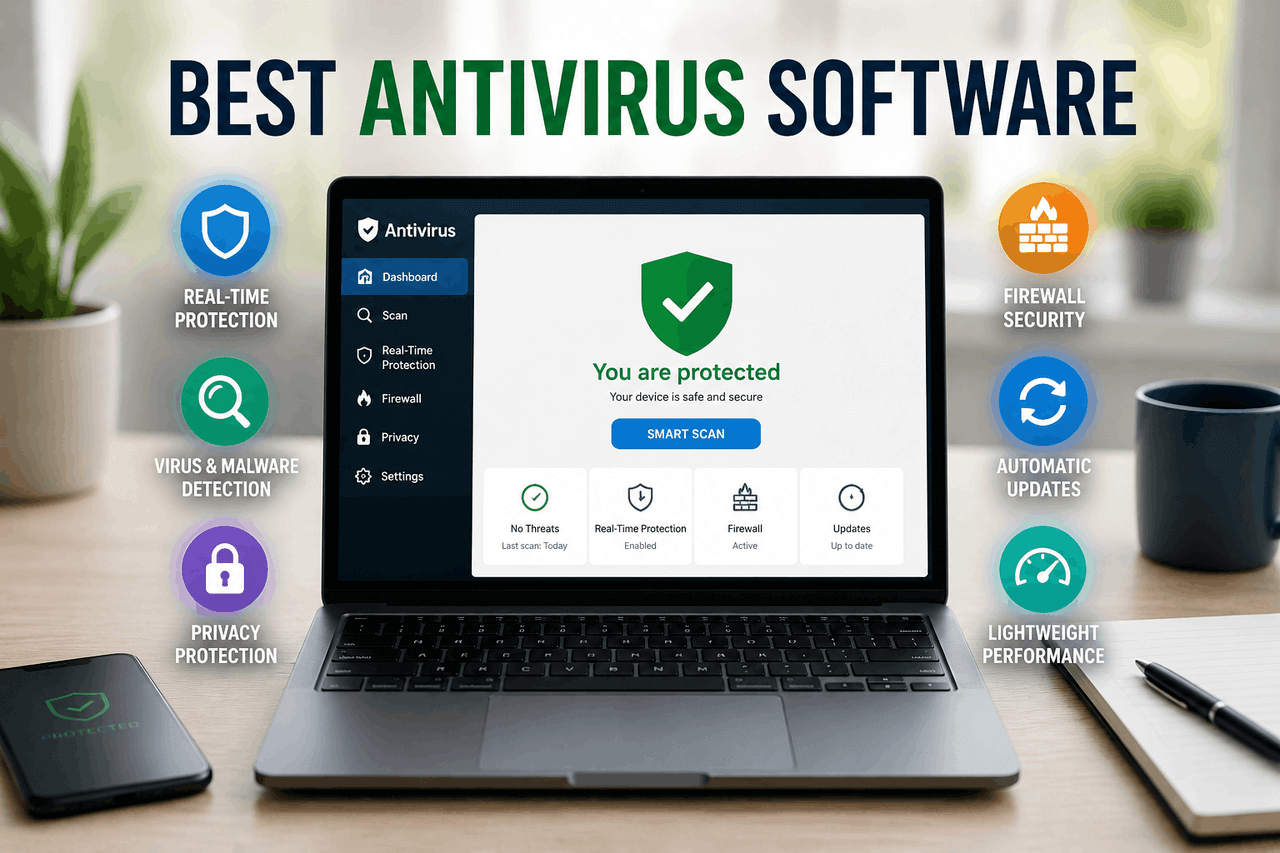
The best antivirus software combines real-time threat detection, ransomware protection, and minimal system impact. Bitdefender leads for most users, Norton excels for families, McAfee suits multi-device households, Avast works well for budget-conscious users, and Kaspersky offers strong detection rates for technically minded users.
Your devices face threats from every direction — phishing emails designed to steal your credentials, ransomware that locks your files until you pay up, and malware that hides silently while harvesting your data. The good news is that the right antivirus software can stop most of these attacks before they cause damage.
But choosing the right software isn’t straightforward. The market is crowded, pricing varies widely, and not every product suits every user. Some tools are feature-rich but slow your machine to a crawl. Others are lightweight but leave gaps in protection. This guide cuts through the noise.
Below, you’ll find a breakdown of the key features to look for, detailed reviews of the top five antivirus products, and practical advice on installation, optimization, and broader cybersecurity habits. By the end, you’ll know exactly which software fits your situation — and why.
What does antivirus software actually do?
Antivirus software scans your device for malicious code, blocks threats before they execute, and removes infections that slip through. Modern antivirus tools go well beyond simple virus detection. They monitor behaviour in real time, flag suspicious links, protect against ransomware, and in many cases include extras like VPNs and password managers.
The core mechanism works by comparing files and activities against a database of known threats — called virus definitions — while also using behavioural analysis to detect new, previously unseen attacks. That combination of signature-based and heuristic detection is what separates capable software from basic tools.
What features should you look for in antivirus software?
Not all antivirus products are built the same. Here’s what matters most when you’re comparing your options.
Real-time scanning and threat detection
Real-time scanning continuously monitors your device, catching threats the moment they appear rather than waiting for a scheduled scan. This is a non-negotiable feature. Without it, you’re relying on periodic checks that can leave you exposed for hours or days.
Malware, ransomware, and phishing protection
Malware is the broad category — it includes viruses, trojans, spyware, and adware. Ransomware is a specific and particularly destructive type that encrypts your files and demands payment for the decryption key. Phishing protection works at the browser level, blocking fake websites designed to steal your login credentials. You want all three covered.
Firewall capabilities
A firewall controls which programs can send and receive data over your network. Most operating systems include a basic firewall, but antivirus suites often offer more granular control — useful if you want to manage app-level permissions without diving into system settings.
Parental controls and web filtering
If you have children at home, parental controls let you restrict access to certain websites, set screen time limits, and monitor activity. Web filtering works alongside this by blocking known malicious or inappropriate sites for all users.
Performance impact on your system
Some antivirus software runs quietly in the background with minimal effect on speed. Others slow your system noticeably during scans or updates. Independent testing labs such as AV-TEST and AV-Comparatives regularly measure performance impact — checking these scores before you buy is worth the five minutes it takes.
Additional features: VPN, password manager, dark web monitoring
Premium tiers often bundle in extras. A VPN encrypts your internet traffic, which matters most on public Wi-Fi. A password manager stores and generates strong credentials. Dark web monitoring alerts you if your email or passwords appear in a data breach. These add-ons vary in quality, so treat them as a bonus rather than a reason to choose one product over another.
The top five antivirus software products reviewed
Bitdefender — best overall antivirus for most users
Pros: Consistently top-tier detection rates, minimal performance impact, strong ransomware protection, and an intuitive interface.
Cons: Some advanced features are locked behind higher-tier plans, and VPN data is capped on lower plans.
Key features: Bitdefender’s multi-layer ransomware protection monitors behaviour rather than relying solely on signatures, catching new ransomware variants before they encrypt files. Its Autopilot mode handles security decisions automatically, which suits users who want strong protection without constant alerts. The anti-phishing and anti-fraud modules reliably block malicious sites.
Ideal for: Users who want set-it-and-forget-it protection with industry-leading detection rates. Bitdefender Total Security covers up to five devices across Windows, macOS, Android, and iOS — a solid value for households with multiple devices.
Norton 360 — best antivirus for families
Pros: Comprehensive feature set, strong parental controls, includes a full-featured VPN with no data cap, and excellent customer support.
Cons: Higher price point than competitors, renewal prices can increase significantly after the first year.
Key features: Norton 360’s LifeLock identity theft protection (available on US plans) monitors your personal information and provides up to $1 million in coverage for certain identity theft expenses. The parental controls are among the most detailed available, offering location tracking, school time schedules, and content filtering. Norton’s VPN operates across all plan tiers without a data cap.
Ideal for: Families with children and users who want identity protection alongside antivirus coverage. The breadth of the feature set justifies the higher price — provided you take advantage of it.
McAfee Total Protection — best antivirus for multiple devices
Pros: Unlimited device coverage on higher plans, strong web protection, and identity monitoring included.
Cons: The interface can feel cluttered, and performance is slightly higher than Bitdefender and Norton on older machines.
Key features: McAfee’s Personal Data Cleanup feature scans data broker sites and guides you through removing your information — a useful privacy tool that goes beyond standard antivirus functions. The firewall is one of the more configurable options in a consumer product. McAfee’s WebAdvisor flags risky links in search results before you click.
Ideal for: Households with many devices, including smart home equipment. McAfee’s unlimited device plans cover Windows, macOS, Android, and iOS without a per-device premium, making it cost-effective at scale.
Avast One — best free antivirus option
Pros: Generous free tier, light on system resources, clear interface, includes a limited VPN on the free plan.
Cons: Free version includes upsell prompts, data privacy concerns have been raised historically (Avast has since revised its data practices), VPN data is limited on the free tier.
Key features: Avast’s free plan includes real-time malware protection, a network security scanner, and a behaviour shield that monitors app activity for suspicious patterns. The paid tier adds a full VPN, ransomware protection, and advanced firewall controls—Avast’s threat detection lab processes over 1 billion threats per month, giving its database significant breadth.
Ideal for: Budget-conscious users who need solid baseline protection without paying for a subscription. That said, users who handle sensitive financial or personal data on their devices should consider upgrading to a paid plan for ransomware and identity protection.
Kaspersky Standard — best antivirus for detection accuracy
Pros: Consistently the highest detection rates in independent lab tests, lightweight, strong malware removal.
Cons: Geopolitical concerns around the company’s Russian origins have led some governments (including US federal agencies) to advise against its use, which may be a consideration depending on your context.
Key features: Kaspersky’s detection engine regularly scores 100% in AV-TEST malware detection evaluations. It’s Safe Money browser feature creates an isolated, protected environment for online banking. The application control module categorizes software by trust level, reducing the risk of unknown programs causing damage.
Ideal for: Technically minded users who prioritize raw detection performance and are comfortable weighing the geopolitical context independently. For personal use outside of government or sensitive commercial environments, Kaspersky’s detection capabilities remain among the strongest available.
Which antivirus software works best for each operating system?
Windows
Windows is the most frequently targeted operating system, so the antivirus market is built primarily around it. All five products reviewed above offer full-featured Windows clients. Windows also includes Microsoft Defender, which has improved significantly and provides adequate baseline protection — but third-party tools still outperform it in independent lab tests for malware detection and feature depth.
macOS
Macs face fewer threats than Windows machines, but the gap is narrowing. Malware targeting macOS has grown year over year. Bitdefender and Malwarebytes are strong choices for Mac users. Most antivirus suites offer macOS clients, though features are sometimes more limited than their Windows counterparts.
Android
Android’s open app ecosystem makes it more vulnerable than iOS. Look for antivirus apps that include app scanning, web protection, and anti-theft features. Bitdefender Mobile Security and Norton Mobile Security both perform well on Android without draining battery life excessively.
iOS
Apple’s closed ecosystem and app sandboxing mean that traditional antivirus scanning is largely unnecessary on iOS. However, iOS security apps can still offer value through VPN protection, phishing protection in Safari, and data breach monitoring. Norton and McAfee both offer capable iOS apps focused on these functions.
Free vs. paid antivirus software: which is right for you?
Free antivirus software covers the basics — real-time scanning, malware detection, and often some web protection. For a secondary device used for light browsing, a free tool may be sufficient. Avast, Bitdefender (free tier), and Malwarebytes (free version) are reliable free options.
However, free tools typically exclude ransomware protection, identity monitoring, VPNs, and advanced firewall controls. They may also display advertising or upsell prompts. If you use your device for online banking, shopping, or storing sensitive files, a paid subscription is the more sensible choice.
Paid plans typically range from $30 to $100 per year, depending on the number of devices and feature tier. That’s a reasonable cost relative to the financial and personal damage a serious breach could cause.
How to install and set up your antivirus software
Step 1: Download from the official source. Always download antivirus software directly from the developer’s website. Third-party download sites occasionally bundle software with adware or worse.
Step 2: Uninstall conflicting security software. Running two antivirus programs simultaneously can cause performance issues and conflicts. Remove any existing antivirus software before installing a new one.
Step 3: Run an initial full system scan. After installation, run a complete scan before customizing settings. This establishes a clean baseline.
Step 4: Adjust scan schedules. Set automatic scans to run during off-hours — overnight or during lunch — to minimize performance impact during active use.
Step 5: Enable automatic updates. Threat databases update daily. Keep automatic updates enabled so your software can recognize the latest malware variants.
Step 6: Review exclusions carefully. Some software allows you to exclude folders from scanning. Be cautious here — excluding the wrong directories can create blind spots.
Cybersecurity habits that work alongside antivirus software
Antivirus software handles a lot, but it’s one layer of defence, not the whole strategy.
Use strong, unique passwords. A password manager — whether bundled with your antivirus or a standalone tool like 1Password or Bitwarden — generates and stores complex passwords so you don’t have to reuse them across accounts.
Enable two-factor authentication (2FA). Even if a password is stolen, 2FA blocks access until a second verification step is completed. Enable it on email, banking, and social media accounts at a minimum.
Recognize phishing attempts. Phishing emails impersonate trusted institutions to steal your credentials. Look for mismatched sender addresses, urgent language, and links that don’t match the claimed organization’s domain. When in doubt, go directly to the website rather than clicking a link.
Secure your Wi-Fi. Use WPA3 encryption on your home router if supported, and avoid entering sensitive information on public Wi-Fi when a VPN is not active.
Back up your data regularly. The 3-2-1 rule is a reliable framework: keep three copies of your data on two different storage types, with one stored offsite (e.g., cloud backup). If ransomware encrypts your files, a clean backup means you don’t have to pay.
Choosing the right antivirus comes down to your situation
The best antivirus software is the one that fits how you use your devices. Bitdefender is the safest default choice for most users — strong detection, low system impact, and a clean interface. Norton makes more sense for families who need parental controls and identity protection. McAfee suits large households with many devices. Avast is a capable free option for lower-risk use cases. Kaspersky delivers the highest detection accuracy for users who’ve weighed the context and are comfortable proceeding.
No software eliminates risk. Combine your antivirus with strong passwords, 2FA, and regular backups, and you’ll have a much more resilient setup than most people bother to build.
Frequently asked questions about antivirus software
Do I still need antivirus software if I use a Mac or iPhone?
Macs benefit from third-party antivirus software, particularly as macOS-targeted malware grows. iPhones are more constrained — iOS’s architecture limits what antivirus apps can scan — but iOS security apps still offer useful protections like VPNs, phishing detection, and breach alerts.
Is free antivirus software good enough for everyday use?
Free antivirus covers basic malware detection and real-time scanning. For casual browsing on a secondary device, it’s often sufficient. However, free tools typically lack ransomware protection and identity monitoring — features worth paying for if you store sensitive data or conduct financial transactions on the device.
How much does antivirus software cost per year?
Most paid antivirus subscriptions range from $30 to $100 per year for a single device, with multi-device or family plans costing more. First-year pricing is often discounted, so check the renewal rate before committing.
Can antivirus software slow down my computer?
Some products have a measurable impact on system performance, particularly during active scans. Bitdefender and Kaspersky consistently score well for minimal performance impact in independent lab tests. Scheduling scans during off-hours reduces any noticeable slowdown.
What’s the difference between antivirus and internet security suites?
Antivirus software focuses on detecting and removing malware. Internet security suites expand on this with features such as firewalls, parental controls, VPNs, and identity monitoring. Most modern paid antivirus products are effectively internet security suites — the terminology is largely marketing at this point.
How often should antivirus software update its virus definitions?
Threat databases should update daily, or even multiple times per day, to keep pace with new malware variants. Keep automatic updates enabled; most antivirus products handle this in the background without any input from you.