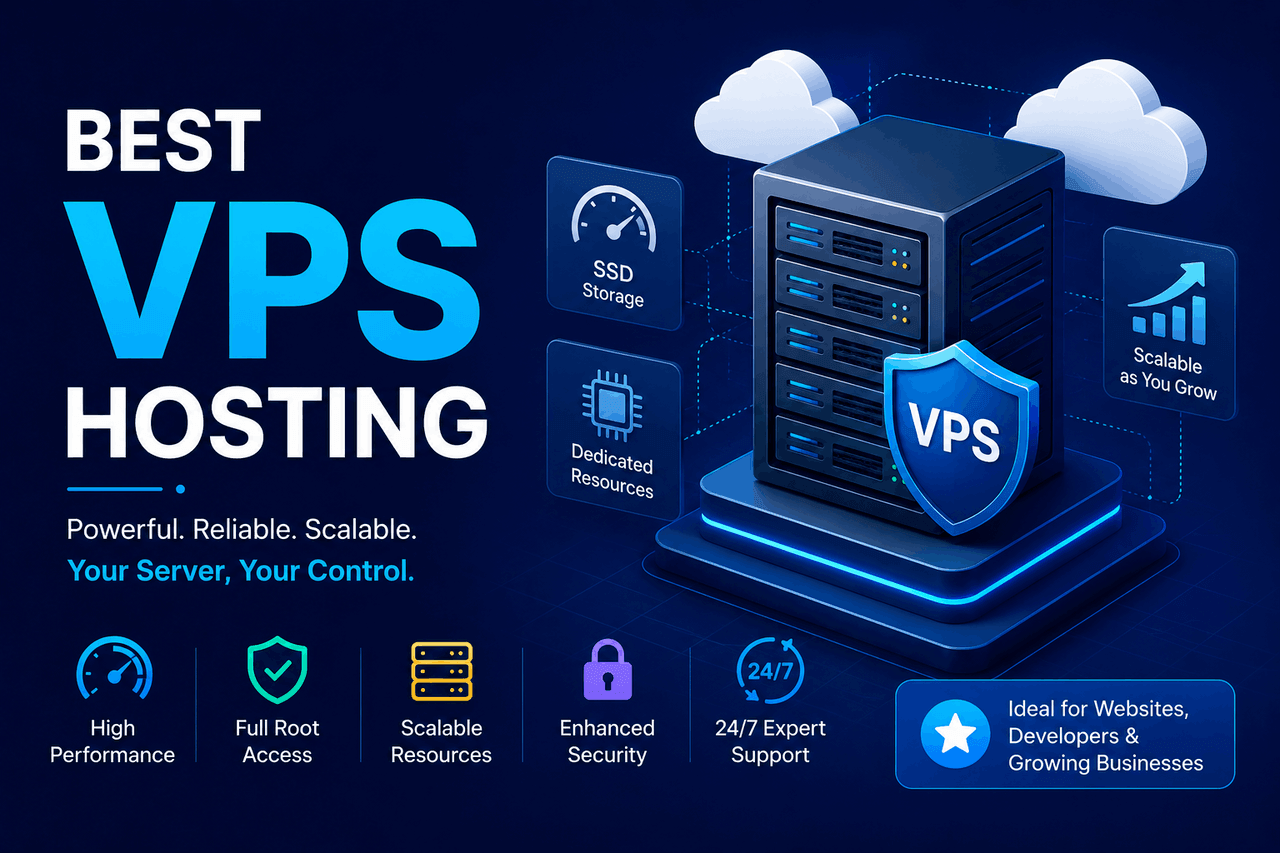
The best Virtual Private Server (VPS) hosting provides dedicated server resources at a lower cost than a physical dedicated server. Top VPS hosting providers for your website include Kamatera, Hostinger, ScalaHosting, Liquid Web, and InMotion Hosting. Choose VPS hosting when shared hosting no longer supports your website’s traffic or performance requirements.
In the world of website hosting, a Virtual Private Server (VPS) operates like a private condominium. Shared hosting is like renting a room in a crowded apartment where a noisy neighbor can drain the hot water. A dedicated server is like buying a standalone house, which usually costs hundreds of dollars a month. A VPS sits comfortably in the middle. You share the physical building, but you have your own dedicated plumbing, electricity, and walls.
When your website traffic grows beyond a few hundred visitors a day, shared hosting often begins to buckle. Pages load slowly. Server errors appear. A VPS hosting environment solves these problems by carving out a specific, isolated portion of a physical server just for your website.
Finding the best VPS hosting provider requires balancing your budget, technical skills, and performance needs. This guide explains how virtual private servers work, who they are for, and how to evaluate the top VPS hosting providers on the market today.
What are the main benefits of choosing a VPS hosting plan?
VPS hosting offers a massive performance upgrade over shared hosting. Shared hosting pools resources across hundreds of websites. If one site on that server gets a sudden traffic spike, your website slows down. VPS hosting allocates a fixed amount of CPU, RAM, and storage exclusively to your account.
Security is another major reward of using a VPS. Because your hosting environment is isolated from other users on the same physical hardware, a malware infection on a neighboring website cannot spread to yours. You also get root access to the server. Root access gives you the administrative permission to install custom software, configure firewalls, and tweak server settings to meet your exact specifications.
Cost efficiency makes VPS hosting appealing for growing businesses. A fully dedicated server can easily cost $150 to $500 per month. A high-quality VPS hosting plan usually costs between $10 and $50 per month, delivering similar performance benefits for a fraction of the price.
What key features should you look for in a VPS provider?
When evaluating a VPS hosting provider, the technical specifications dictate how well your website will perform. Please look for specific hardware and software features.
First, prioritize NVMe SSDs over traditional HDDs. NVMe solid-state drives transfer data up to 6 times faster than older SATA drives, reducing your website’s loading time.
Second, consider the difference between managed and unmanaged VPS hosting. An unmanaged VPS requires you to handle operating system updates, security patches, and server configuration. A managed VPS includes a support team that handles these technical maintenance tasks for you. Choose a managed VPS if you do not have a dedicated system administrator on your team.
Third, look for providers offering dedicated IP addresses and automated backups. A dedicated IP address improves your email deliverability and protects your site’s reputation. Automated backups ensure you can restore your website quickly if a software update breaks your site or a data loss event occurs.
Who are the top 5 best VPS hosting providers right now?
The best VPS hosting provider depends on your budget, technical expertise, and specific performance requirements. Here are five top-tier VPS hosting providers and who they serve best.
Kamatera
Kamatera offers highly customizable cloud VPS hosting. You can configure the exact amount of CPU cores, RAM, and storage you need down to the gigabyte.
- Who is this for: Developers and IT professionals who want granular control over their server infrastructure.
- Risks: The pricing model is complex. You pay by the hour, which can lead to unpredictable billing if you do not closely monitor your resource usage.
- Rewards: You get extreme flexibility and can deploy a server in less than a minute.
Hostinger
Hostinger provides some of the most affordable VPS hosting plans on the market. Their plans start around $5 per month and include a custom control panel that simplifies server management.
- Who is this for: Small business owners and hobbyists upgrading from shared hosting for the first time.
- Risks: Their basic plans offer limited customer support for complex server configuration issues.
- Rewards: You get excellent speed and a highly intuitive interface at a very low price.
ScalaHosting
ScalaHosting stands out for its proprietary control panel, sPanel, which serves as a free alternative to cPanel. They include fully managed support on most of their VPS plans.
- Who is this for: Users who want a managed VPS experience without paying the high licensing fees associated with cPanel.
- Risks: The entry-level plans have strict storage capacity limits compared to competitors’.
- Rewards: The included SShield security system automatically blocks 99.9% of web attacks.
Liquid Web
Liquid Web is a premium hosting provider that specializes in fully managed VPS hosting. Their support team guarantees a 59-second response time for help desk tickets.
- Who is this for: Established businesses and e-commerce stores that lose money for every minute their website is offline.
- Risks: The plans are significantly more expensive, starting around $35 per month.
- Rewards: You receive white-glove technical support and a 100% network uptime guarantee.
InMotion Hosting
InMotion Hosting offers high-performance NVMe storage on all its VPS plans. They also provide two hours of dedicated launch support to help you migrate your site and configure your server.
- Who is this for: Growing businesses that need help transitioning away from their current shared hosting provider.
- Risks: The checkout process includes aggressive upselling for add-ons you may not need.
- Rewards: The included launch assist service removes the technical headache of server migration.
What factors should you consider when choosing a VPS plan?
Before you purchase a VPS hosting plan, you need to match the server specifications to your website’s demands.
Assess your current traffic levels. If your website receives 10,000 visitors a month, a basic VPS plan with 2GB of RAM and 1 CPU core is usually sufficient. If you run a dynamic e-commerce store with 100,000 monthly visitors, you will likely need at least 8GB of RAM and 4 CPU cores to prevent checkout delays.
Evaluate the provider’s data center locations. The physical distance between the server and your users impacts load times. If most of your customers live in Europe, choose a VPS provider with data centers in London or Frankfurt.
Consider the operating system. Most VPS hosting providers run Linux (such as Ubuntu or AlmaLinux). Linux is the industry standard and supports most web applications. If your application relies on specific Microsoft technologies like ASP.NET or MSSQL, you must explicitly choose a Windows VPS hosting plan, which typically costs more due to licensing fees.
How do you set up your new VPS hosting environment?
Setting up a virtual private server involves a specific sequence of technical steps. If you purchased an unmanaged VPS, you will perform these steps via the command line.
First, connect to your server using Secure Shell (SSH). Your hosting provider will email you the server’s IP address, your username (usually “root”), and a password. Use an SSH client like PuTTY or your computer’s built-in terminal to log in.
Second, update the server’s operating system. Running the standard update commands ensures your server has the latest security patches.
Third, secure the server. Change the default SSH port from 22 to a random number to prevent automated brute-force attacks. Install a firewall, such as UFW (Uncomplicated Firewall), and configure it to allow only traffic on essential ports, such as ports 80 (HTTP) and 443 (HTTPS).
Finally, install a web server stack. The most common configuration is the LAMP stack (Linux, Apache, MySQL, PHP). Once the stack is installed, you can upload your website files, import your database, and point your domain name to your new dedicated IP address.
How can you maximize the performance of your VPS?
Buying a VPS hosting plan gives you dedicated resources, but you still need to optimize the software to get the fastest speeds.
Implement server-side caching. Caching stores copies of your frequently accessed web pages in the server’s memory. Tools like Redis or Memcached prevent the server from regenerating the same page every time a user requests it. This significantly reduces CPU load.
Optimize your database. Over time, databases accumulate redundant data, such as post revisions and expired transient options. Schedule regular database cleanups to ensure queries run quickly.
Use a Content Delivery Network (CDN). A CDN stores static assets, such as images, CSS, and JavaScript, across a global network of servers. When a user visits your site, the CDN serves these files from the location closest to them, taking the heavy lifting off your VPS.
What are the common challenges with VPS hosting, and how do you solve them?
Moving to a VPS hosting environment introduces new challenges that you do not face with shared hosting.
The most common challenge is resource exhaustion. If your website experiences a massive traffic spike, it can consume all your allocated RAM, causing the server to crash. Solve this by setting up server monitoring tools. Tools like New Relic or Datadog will alert you when your CPU or RAM usage exceeds 80%, giving you time to upgrade your plan before the server fails temporarily.
Security vulnerabilities present another significant risk. Because you have root access, you are responsible for securing the environment. If you fail to update your software, hackers can exploit known vulnerabilities. Mitigate this risk by enabling automatic security updates and using intrusion detection software such as Fail2ban to block IP addresses that repeatedly fail to log in.
Email deliverability issues frequently affect new VPS users. If you use your VPS to send outgoing email, those messages might end up in spam folders because your new dedicated IP address lacks a sender reputation. Solve this by setting up strict SPF, DKIM, and DMARC records to authenticate your domain. Alternatively, you can use a third-party transactional email service like SendGrid to handle outgoing mail.
What does the future look like for VPS hosting technology?
VPS hosting is gradually blending with cloud computing. Traditional VPS hosting relies on slicing a single physical server into multiple virtual servers. If that physical server fails, all the virtual servers go offline.
Cloud VPS hosting solves this by distributing the virtual server across a massive cluster of physical machines. If one physical machine fails, the Cloud VPS instantly shifts to another machine with zero downtime. This high-availability architecture is becoming the standard for modern VPS hosting providers.
Artificial intelligence is also changing how servers are managed. Predictive AI tools can now analyze your server’s traffic patterns and automatically scale your CPU and RAM allocations moments before a traffic spike hits. This prevents downtime while ensuring you only pay for the resources you actually need.
Making the Right VPS Choice for Your Needs
Choosing the best VPS hosting plan comes down to accurately assessing your website’s requirements and your own technical comfort level. A VPS bridges the gap between the restrictions of shared hosting and the high costs of a dedicated server.
If you lack technical expertise, prioritize providers that offer fully managed VPS hosting. The extra monthly cost is vastly cheaper than hiring a freelance system administrator to fix a broken server. If you are comfortable with command-line interfaces, an unmanaged VPS offers incredible power and flexibility for very little money.
Evaluate your budget, read the service level agreements, and start with a plan that allows for easy scaling as your website traffic grows.
FAQs About VPS Hosting
What is the difference between shared hosting and VPS hosting?
Shared hosting pools computing resources across many different websites on a single server, meaning one busy website can slow down your site. VPS hosting uses virtualization technology to give your website a dedicated, isolated portion of a server’s CPU, RAM, and storage, ensuring consistent performance.
Do I need technical knowledge to use a VPS?
You need technical knowledge if you choose an unmanaged VPS plan, as you will be responsible for installing software and securing the server via a command line. You do not need technical knowledge if you purchase a managed VPS plan, as the hosting provider handles all server maintenance and security.
How much does VPS hosting typically cost?
Unmanaged VPS hosting usually costs between $5 and $15 per month. Fully managed VPS hosting usually costs between $30 and $80 per month, depending on the amount of RAM and CPU cores included in the plan.
Can I upgrade my VPS plan later if my website grows?
Yes. Most modern VPS hosting providers allow you to scale your server resources up or down with a few clicks in your hosting dashboard. The upgrade process usually requires a quick server reboot that takes less than two minutes.
Is VPS hosting secure for e-commerce websites?
VPS hosting tends to be highly secure for e-commerce because your server environment is isolated from other users. This isolation prevents cross-site contamination. You also gain the ability to install custom firewalls and strict security protocols required for PCI compliance.