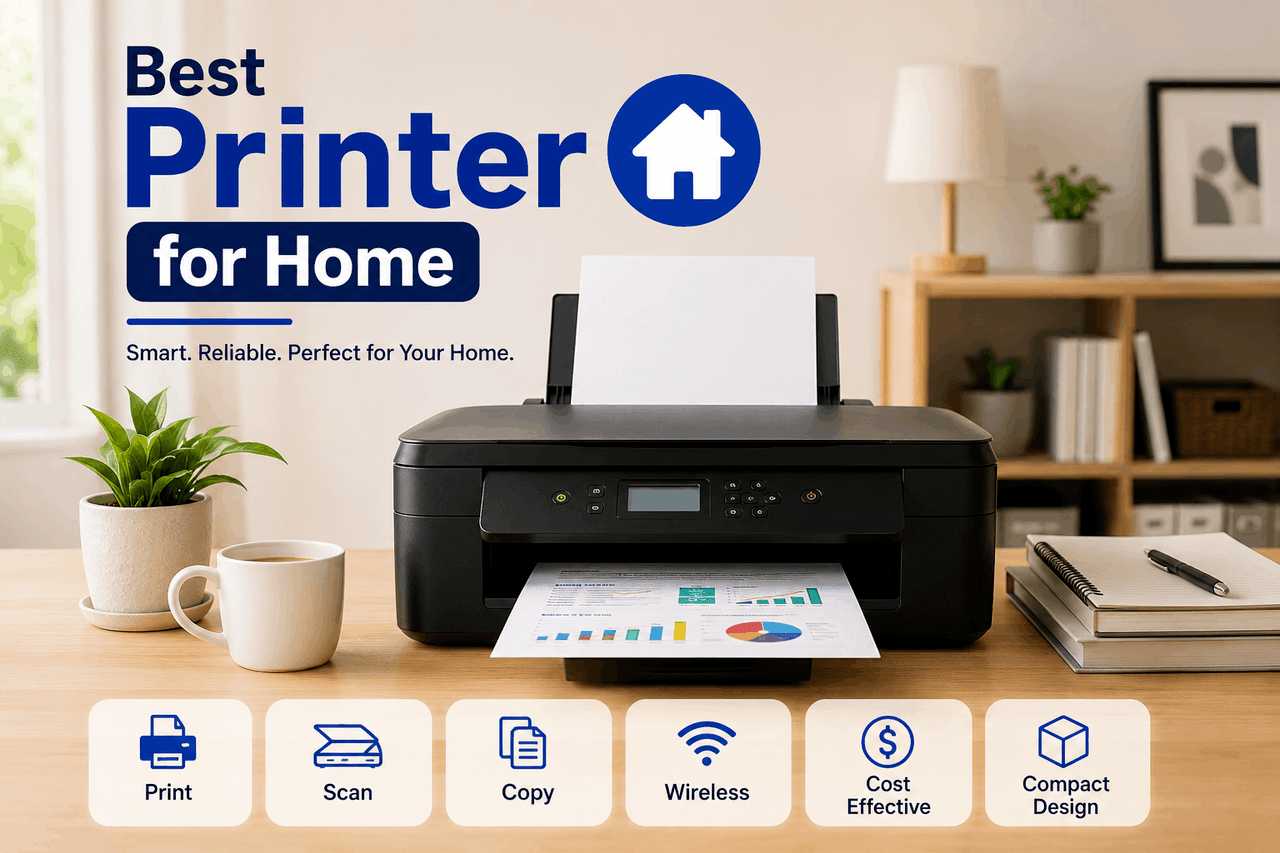
The best home printer depends on your daily volume and primary use. Choose a laser printer if you print text frequently and want a lower cost per page, since toner lasts longer and doesn’t dry out. Choose an inkjet printer if you primarily need high-quality colour photos or printing on a variety of media.
There are many ways to manage your daily documents — from simple black-and-white forms to vibrant family photos to thick cardstock presentations. That means you can find a home printer that fits your exact workflow and combine it with the right paper to create a highly efficient home office.
Finding the right device often starts with understanding your actual printing habits. Many buyers overinvest in complex machines that sit idle, while others underinvest and end up paying high replacement-ink costs. You want to match the machine to your true volume.
This guide breaks down the safest choices for casual users and moves on to options that deliver higher volumes but may require a larger upfront investment. That gives you a reliable framework for weighing upfront costs against long-term maintenance during your search.
What are the different types of home printers?
The home printer market is largely divided into two main categories: inkjet and laser. Each relies on fundamentally different technology to get your documents onto the page.
How do inkjet printers work for home users?
Inkjet printers are designed for households that need to print a bit of everything. These machines spray microscopic droplets of liquid ink onto the paper, which allows them to blend colours smoothly. This makes them ideal for homes where you might print a recipe one day and a glossy photograph the next.
However, inkjet printers carry a notable risk. Because they use liquid ink, the cartridges can dry out if you do not print for several weeks. You will also typically find that replacing standard ink cartridges costs more per page than laser toner. That said, the upfront cost of an inkjet printer is usually much lower than that of a laser alternative.
The reward is unparalleled versatility and exceptional colour depth. If you print photos or graphics regularly, an inkjet printer gives you laboratory-quality results right from your desk. When you are ready to explore this category, look for models that use individual colour cartridges rather than a single tri-colour block, so you only replace the colour you actually deplete.
How do laser printers work for home offices?
Laser printers are built for homes that handle a high volume of text documents. Instead of liquid ink, they use a laser to melt dry toner powder onto the page. This is a smart option when you are not sure how often you will print — it effectively eliminates the risk of dried-out ink cartridges.
The primary risk with a laser home printer is the initial purchase price. Both the machine itself and the replacement toner cartridges cost more upfront than inkjet equivalents. They are also typically larger and heavier, taking up more space on your desk.
But the greater rewards come with significantly faster print speeds and a much lower cost per page over time. A single toner cartridge can often print thousands of pages before needing a replacement. That is a built-in value for anyone printing lengthy reports or school assignments. If your household prints text heavily and colour rarely, transitioning to a monochrome laser printer is often the best next step.
Which key features should you consider when buying a home printer?
Once you decide between inkjet and laser, you need to evaluate the specific capabilities of individual models.
What level of print quality do you need?
Print quality is measured in dots per inch (DPI). A higher DPI means a sharper, more detailed image. For standard text documents, a resolution of 600 by 600 DPI is perfectly sufficient. If you are printing professional graphics or high-resolution photos, you will want a home printer capable of at least 1200 by 1200 DPI.
How important is print speed for your workflow?
Print speed is measured in pages per minute (PPM). A home printer with a high PPM rating allows you to finish large jobs quickly. Most basic inkjet printers offer around 10-15 PPM, which works fine for casual use. Laser printers frequently start at 25 PPM and can easily exceed 40 PPM. Choose a higher PPM if you frequently print documents that are dozens of pages long.
What are the best connectivity options for a home printer?
Modern connectivity lets you print from virtually any device in your home. From standard USB cables to wireless networks to direct smartphone integration, there is a connection method for every setup.
Most users benefit heavily from Wi-Fi connectivity. This allows you to place the home printer anywhere in your house without worrying about cable length. You can securely send documents from your laptop in the living room directly to the printer in the study. That said, if your home Wi-Fi is unreliable, you may experience connection drops. Always ensure the printer also includes a standard USB port as a reliable backup.
How do you calculate the true cost of a home printer?
The price tag on the box is only the beginning of your investment. The true cost includes the ongoing price of replacement ink or toner. To calculate this, divide the price of a replacement cartridge by its estimated page yield.
A home printer that costs $50 upfront might cost 15 cents per page to operate, while a $200 model might cost just 3 cents per page. If you print frequently, the more expensive machine will actually save you money within the first year. Take time to research the cost of consumables before you finalise your purchase.
What are the top picks for the best home printers?
While specific models change constantly, the most reliable brands maintain consistent product lines that fit specific needs.
Which home printer is best for budget-conscious buyers?
The Brother HL-L2350DW (and its direct successors) frequently top lists for budget-friendly monochrome laser printers. It is designed for students and remote workers who primarily need text. The machine lacks colour capabilities, meaning you cannot print photos. But the reward is a fast, reliable, and highly economical device that rarely jams.
Which home printer is best for heavy colour printing?
The Epson EcoTank series replaces traditional cartridges with large, refillable ink reservoirs. This is ideal for households that frequently print in colour. The upfront cost is notably higher than that of standard inkjets. However, replacement ink bottles cost a fraction of standard cartridges, drastically reducing your long-term expenses.
Which home printer offers the best all-around value?
The HP OfficeJet Pro series bridges the divide between home use and small-business capabilities. These inkjet printers offer fast speeds and excellent colour accuracy. They typically require a subscription to HP’s Instant Ink service for the best value, which means you are locked into a monthly fee based on the pages you print. If you are comfortable with that model, you get a robust home printer that automatically orders its own ink before you run out.
Which speciality home printers might you need?
Sometimes a standard document printer does not cover all your household needs. Speciality models offer targeted features for specific tasks.
Who should buy a dedicated photo printer?
Dedicated photo printers are built for photography enthusiasts who want gallery-quality prints at home. They typically use five or six different ink colours to achieve smoother gradients and more accurate skin tones. The risk here is the high cost of both the specialised ink and the premium photo paper required to get the best results. The reward is total control over your physical images. If you are an avid photographer, a dedicated photo printer is a rewarding addition to your digital darkroom.
What are the benefits of an all-in-one home printer?
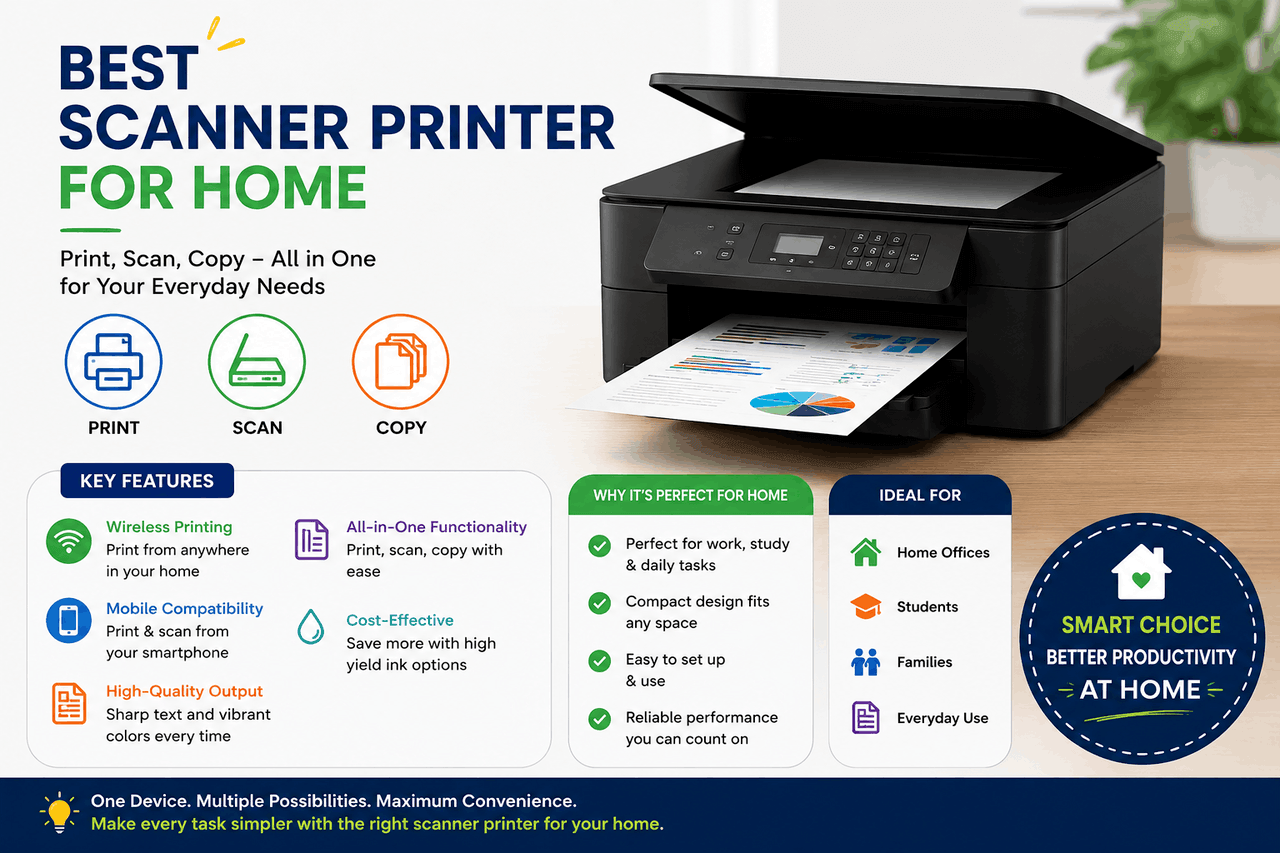
An all-in-one home printer combines printing, scanning, copying, and sometimes faxing into a single device. This is the standard choice for most households today. It saves you from buying separate desktop scanners or visiting a local print shop to copy a document. These units take up slightly more space, but they provide a comprehensive document management system for your home office.
How do smart printers integrate into your home?
Smart printers connect to voice assistants like Amazon Alexa or Google Assistant, and they often feature sophisticated mobile apps. This allows you to check ink levels, scan documents directly to your phone, or print templates using voice commands. While you must navigate potential privacy concerns regarding data sharing on these apps, the convenience of managing your home printer entirely from your smartphone often outweighs the setup hurdles.
How can you maintain your home printer to extend its lifespan?
Buying the best home printer is only the first step. Proper maintenance ensures it lasts for years.
To keep an inkjet printer functioning properly, you should print at least one full-colour test page every two weeks. This prevents liquid ink from drying and clogging the printhead’s microscopic nozzles. If you notice streaks on your pages, use the printer’s built-in self-cleaning cycle.
For laser printers, maintenance is much simpler. Keep the machine in a well-ventilated area, as it generates heat during operation. When the machine warns you that toner is low, you can often remove the cartridge, gently rock it back and forth to redistribute the remaining powder, and get several dozen more pages before replacing it entirely.
Always keep your printer’s firmware up to date. Manufacturers routinely release software patches that improve wireless connectivity and patch security vulnerabilities.
How do you make the right choice for your home office?
Selecting a home printer essentially balances your immediate budget with your long-term needs.
First, track what you actually print over a typical month. If your output is purely text, a monochrome laser printer offers safety and longevity. If you need vibrant colour and media versatility, an inkjet model makes the most sense. From there, narrow down your choices by prioritising Wi-Fi connectivity and evaluating the long-term cost of replacement ink or toner.
By matching the technology to your exact habits, you can find a home printer that operates quietly in the background, reliably turning your digital files into physical reality whenever you need them.
FAQs about home printers.
How much does a home printer typically cost?
A basic inkjet home printer usually costs between $50 and $100 upfront. Entry-level monochrome laser printers typically cost between $100 and $150. High-end all-in-one models or tank-based inkjet printers can cost between $250 and $400, though they offer much lower ongoing ink costs.
How long does it take to set up a new home printer?
Most modern home printers take about 15 to 30 minutes to set up. This timeline includes unboxing the machine, removing the protective tape, installing the starter ink or toner cartridges, and connecting the device to your home Wi-Fi network using the manufacturer’s mobile app.
What are the risks of buying third-party ink cartridges?
Third-party ink cartridges are significantly cheaper than manufacturer-branded options. The main risk is reliability. Some third-party cartridges may not be recognised by your home printer, or they may produce lower-quality colours that fade faster. Using them can also void your printer’s warranty in some cases.
What are the alternatives to buying a home printer?
If you only print a few pages a year, owning a home printer may not be necessary. You can use local libraries, shipping centres, or dedicated print shops to handle occasional printing needs. This alternative eliminates upfront hardware costs and ongoing maintenance, though it requires you to leave your house every time you need a physical document.
Who is a tank-based inkjet printer best for?
Tank-based printers (like the Epson EcoTank or Canon MegaTank) are best for households that print in high volumes, particularly in colour. Choose this option if keeping your ongoing cost per page as low as possible matters more than the machine’s higher initial purchase price.