The best WordPress themes for blog websites prioritize fast loading speeds, responsive design, and reading-focused typography. Top free options include Astra and GeneratePress, while Divi and Kadence lead the premium category. Choose Astra for quick setups, or Divi for deep drag-and-drop customization.
Your WordPress theme is the foundation of your digital house. It dictates how your content looks, how quickly your pages load, and how easily visitors can navigate your site. A poorly coded theme will slow your site down and frustrate your readers. A well-built theme stays out of the way, making your writing the main attraction.
Finding the right theme takes time. The official WordPress repository hosts thousands of free options, and third-party marketplaces sell thousands more. Many of these themes look beautiful in their demonstration previews, but break down when you try to customize them for your own content.
This guide breaks down the best free and premium WordPress themes available today. You will learn what features actually matter for a text-heavy site, how to evaluate a theme before installing it, and which options make the most sense for your specific goals.
What makes a WordPress theme good for blogging?
Not every theme works well for a blog. Some are built for complex online stores, while others are designed as single-page portfolios. When you evaluate a WordPress theme for a text-based website, you will want to look for a specific set of features.
Fast loading speeds
Speed is the most critical feature of any WordPress theme. According to [Google, 2022], as page load time goes from one second to three seconds, the probability of a visitor leaving increases by 32%. A fast theme uses clean code and does not load unnecessary scripts.
Responsive mobile design
More than half of all internet traffic comes from mobile devices. Your theme must adapt automatically to different screen sizes. A responsive design ensures your text remains legible and your menus remain clickable, whether your reader is using a desktop monitor or a smartphone.
Readability and typography controls
A blog is ultimately about reading. The best blog themes give you precise control over your typography. You need the ability to adjust font families, line heights, and letter spacing. Clean typography reduces eye strain and keeps visitors on your page longer.
Search engine friendliness
Your theme plays a major role in your site’s search visibility. Search engine-friendly themes use proper HTML tags—like clearly defining your headings with H1, H2, and H3 tags—and support schema markup. This helps search engines understand your content structure.
Built-in customization options
You will want your blog to reflect your brand. Look for themes that let you change colors, adjust layout widths, and modify sidebar placements without needing to write custom CSS code.
What are the best WordPress themes for blogs?
Free themes are an excellent starting point for new bloggers. The themes listed below are available in the WordPress directory, meaning they have passed strict coding standards and security checks. Each theme has a free and premium version. If you have a budget, premium themes offer dedicated support, bundled plugins, and advanced features that save you time. A premium theme usually costs around $59 to $89 per year.
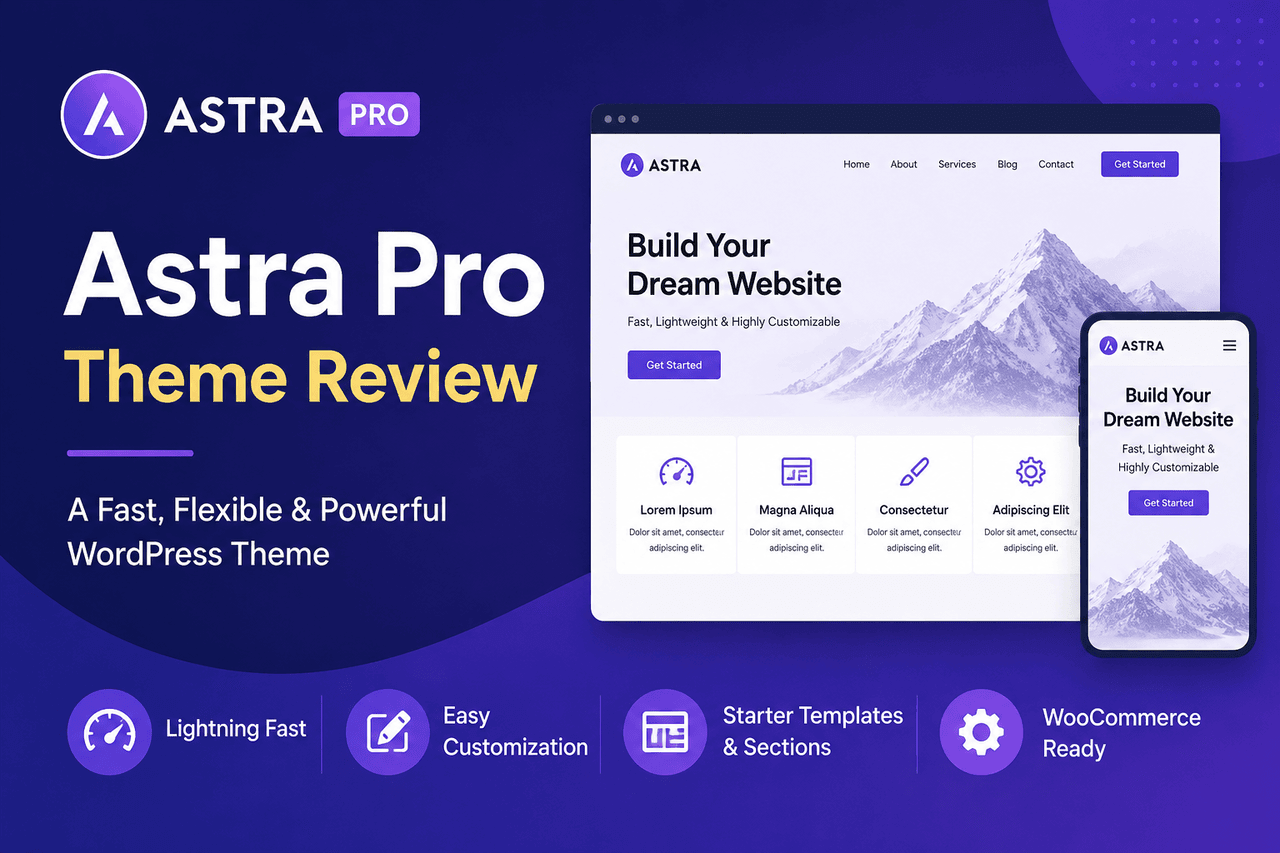
The Astra WordPress theme
Astra is one of the most popular themes in the WordPress ecosystem. It is a lightweight theme that loads in less than half a second on default installations.
Who is this for: Astra is an excellent choice for beginners who want a fast site and access to pre-built starter templates.
Rewards: Astra integrates perfectly with popular page builders like Elementor and Beaver Builder. It also offers extensive typography and color controls right out of the box.
Risks: The free version limits some advanced layout options. You will need to purchase the Pro add-on if you want granular control over your blog archive pages.
The GeneratePress theme
GeneratePress is a performance-focused theme that weighs less than 10 kilobytes when installed. It is built to prioritize speed and stability.
Who is this for: GeneratePress is ideal for developers and performance enthusiasts who want a secure, fast foundation for their writing.
Rewards: The code quality of GeneratePress is exceptional. It uses vanilla JavaScript instead of heavier libraries, which keeps your site moving quickly.
Risks: The free version is quite bare. You will need to be comfortable building your own layouts from scratch, as it does not offer as many pre-designed templates as competitors.
The Neve WordPress theme
Neve is a mobile-first theme built by ThemeIsle. It is designed to work seamlessly with the new WordPress block editor (Gutenberg).
Who is this for: Neve works well for bloggers who want a site that looks native and modern on mobile devices without tweaking complex settings.
Rewards: Neve offers highly customizable header and footer builders in the free version. It also updates frequently to maintain compatibility with core WordPress changes.
Risks: The options panel can feel overwhelming for complete beginners, and premium support requires a paid license.
The OceanWP theme
OceanWP is a highly extensible theme that includes features often reserved for premium themes, such as custom social sharing buttons and multiple layout choices.
Who is this for: OceanWP is right for users who plan to expand their blog into an online store later, as it features deep WooCommerce integration.
Rewards: You get access to a massive library of extensions to add functionality as your site grows.
Risks: Because it includes so many features, OceanWP can feel bloated compared to Astra or GeneratePress. You have to actively turn off features you are not using to maintain high speeds.
The Blocksy theme
Blocksy is a newer theme built specifically for the Gutenberg block editor. It uses modern web technologies like React to deliver a smooth customization experience.
Who is this for: Blocksy is a great fit for users who exclusively use the default WordPress block editor and want a highly visual customization process.
Rewards: The theme customizer is incredibly intuitive. Blocksy includes dark mode options and advanced archive layouts for free.
Risks: Since it relies heavily on modern web standards, it may not play nicely with older, outdated plugins you might want to use.
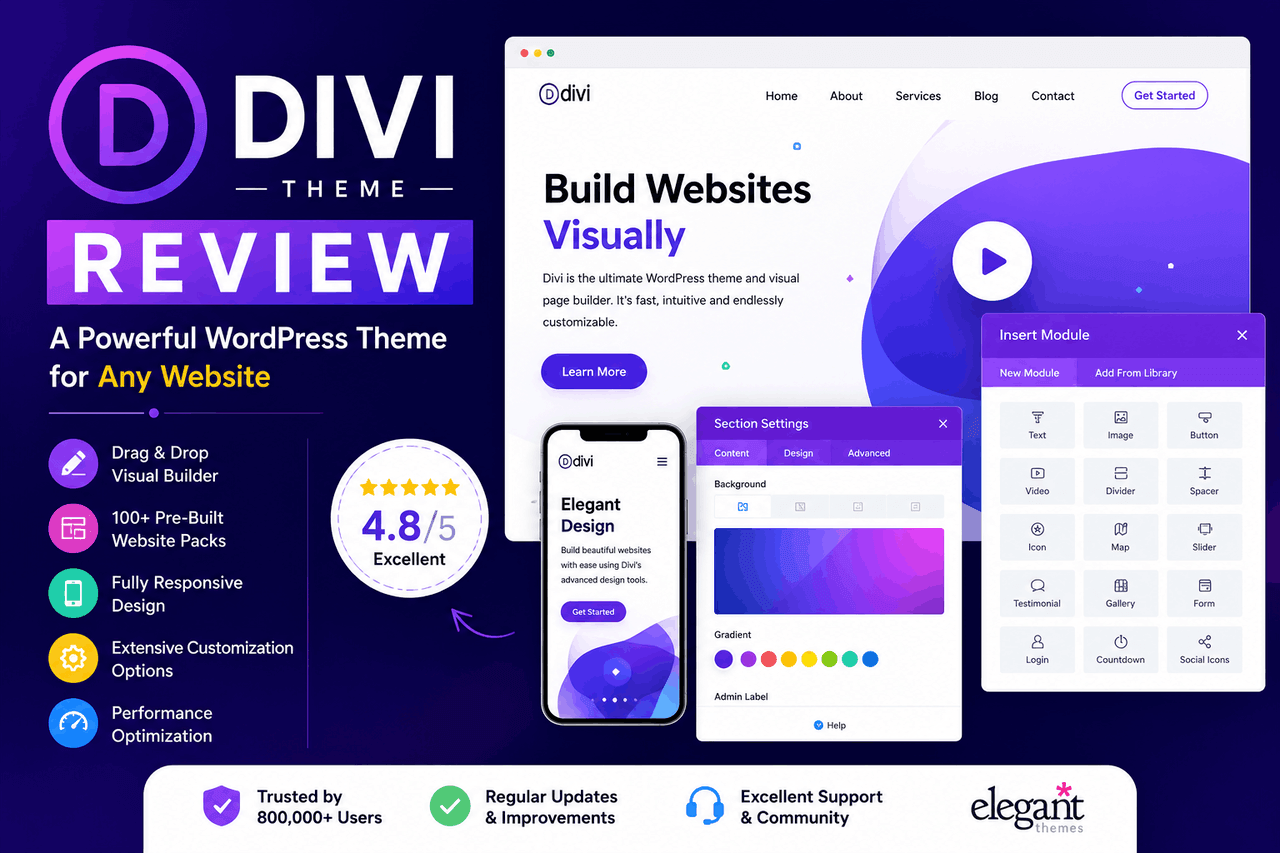
The Divi theme by Elegant Themes
Divi is both a theme and a visual page builder. It replaces the standard WordPress editor with a completely visual drag-and-drop interface.
Who is this for: Divi is good for visual thinkers who want total control over every pixel of their website without writing code.
Rewards: You can build incredibly complex and beautiful layouts. The purchase includes access to hundreds of website packs and built-in split testing tools.
Risks: Divi relies heavily on shortcodes. If you ever decide to switch to a different theme, your existing posts will be left with broken shortcode text that you must clean up manually.
The Kadence WordPress theme
Kadence is a fast, versatile theme that bridges the gap between lightweight performance and heavy customization.
Who is this for: Kadence is perfect for bloggers who want premium features like custom post layouts and hooked elements without sacrificing loading speed.
Rewards: The Kadence Pro package includes advanced header addons, WooCommerce extras, and the ability to insert custom content blocks anywhere on your site based on conditional rules.
Risks: The learning curve is moderate. Setting up conditional elements requires a solid understanding of how WordPress structures its pages.
The Soledad theme
Soledad is a massive multi-concept blog and magazine theme available on ThemeForest. It includes over 6,000 homepage demos.
Who is this for: Soledad is an excellent choice for high-volume publishers, news sites, and online magazines.
Rewards: You get unlimited layout possibilities for your articles. It also includes built-in tools for recipe cards, review scores, and related post sliders.
Risks: The sheer number of options is intimidating. Finding a specific setting in the theme panel can sometimes feel like searching for a needle in a haystack.
The Newspaper theme
Newspaper by tagDiv is the best-selling news theme of all time. It is designed specifically to handle large amounts of content and high traffic.
Who is this for: The newspaper is suitable for editorial teams and bloggers who publish multiple articles per day.
Rewards: It includes an excellent frontend editor and built-in ad management features, making it easy to monetize your writing.
Risks: It is heavier than a standard blog theme. You will need a good hosting provider to ensure the theme runs smoothly under heavy traffic.
What are the top niche-specific WordPress themes for blogs?
Sometimes a general-purpose theme is not the best route. Niche themes come pre-packaged with the specific tools your industry requires.
Food blogs
Food bloggers need recipe cards that format correctly for search engines. Foodica is a popular premium option that integrates beautifully with recipe plugins. It provides a clean, image-centric layout that highlights food photography while keeping instructions easy to read.
Travel blogs
Travel writers need robust mapping tools and image galleries. Blossom Travel allows you to showcase your Instagram feed, integrate interactive maps, and categorize posts by destination. It provides a highly visual layout that encourages readers to click through your adventures.
Photography blogs
Photographers need themes that handle high-resolution images without slowing the site down. Oshine provides masonry grid layouts and lazy-loading features. This ensures your images look sharp but only load when the user scrolls down to them.
Personal blogs
For a traditional journal-style site, simplicity is key. Hemingway is a classic two-column theme with beautiful typography and a large header image. It removes distractions and focuses entirely on your words.
How should you choose the right WordPress theme for your blog?
Choosing a theme requires balancing what you want your site to look like with how you need it to perform.
Define your primary goal. If your goal is to write long-form essays, prioritize typography. If your goal is to build an affiliate marketing site, prioritize table-building features and fast load times.
Test the theme demos. Do not just look at the pictures. Click on a blog post within the demo. Check how the headings look, how the comments section is formatted, and how easy it is to navigate back to the homepage.
Check the update frequency. An outdated theme is a security risk. Look at the theme’s changelog to ensure the developer has released an update within the last six months.
How do you install and set up your new WordPress theme?
Installing a theme is a straightforward process.
- Log in to your WordPress dashboard.
- Navigate to Appearance, then click on Themes.
- Click the “Add New” button at the top of the screen.
- If you chose a free theme, search for its name in the search bar, click Install, then click Activate.
- If you purchased a premium theme, click “Upload Theme,” choose the .zip file you downloaded from the developer, and click Install Now.
- Once activated, navigate to Appearance, then Customize. This opens the WordPress Customizer, where you can safely change your site identity, colors, and layout while viewing the changes in real time.
How can you make your blog theme faster and more search-friendly?
A good theme is only part of the equation. You will need to take a few extra steps to ensure your blog runs efficiently.
Compress your images. High-resolution photos will drag down your site speed, regardless of how fast your theme is. Use a plugin like Smush or ShortPixel to automatically compress your images as you upload them.
Use a caching plugin. Caching creates a static version of your site to serve to visitors, which reduces the load on your server. Plugins like WP Rocket or W3 Total Cache work well with almost all standard WordPress themes.
Structure your headings. Search engines read your headings to understand your content. Make sure your theme uses a single H1 tag for the post title, and use H2 and H3 tags to organize the rest of your text logically.
Final thoughts on finding your perfect blog theme
Your WordPress theme is a tool to deliver your writing to the world. The best choice is the one that fits your technical comfort level and meets your readers’ needs. Start with a lightweight free theme like Astra or GeneratePress to get a feel for the platform. As your audience grows and your needs become more complex, you can safely transition to a premium option like Kadence or Divi. Focus on speed, prioritize readability, and let your content do the heavy lifting.
FAQ about Best WordPress Themes for Blog
What is the difference between a free and a premium WordPress theme?
Free themes are typically lighter and cover basic blogging needs, but they limit your customization options. Premium themes cost money but provide dedicated customer support, advanced layout builders, and regular feature updates. Choose a free theme if you are starting, and a premium theme if you need specific visual layouts or priority support.
Can I change my WordPress theme later without losing my blog posts?
Yes. Your blog posts, pages, and media files are stored in your WordPress database, not in your theme. When you switch themes, your content remains intact. Be aware that you will need to reconfigure your menus, widgets, and theme-specific settings to match the new design.
Do I need a page builder plugin if I have a good blog theme?
Not necessarily. The default WordPress block editor is highly capable of formatting standard blog posts. You only need a page builder if you want to design complex, multi-column landing pages or custom homepages that your theme does not support natively.
How much does it cost to start a WordPress blog?
The WordPress software is free, but you will need to pay for hosting and a domain name. A basic shared hosting plan usually costs around $50 to $100 per year. If you use a free theme and free plugins, those are your only mandatory costs.