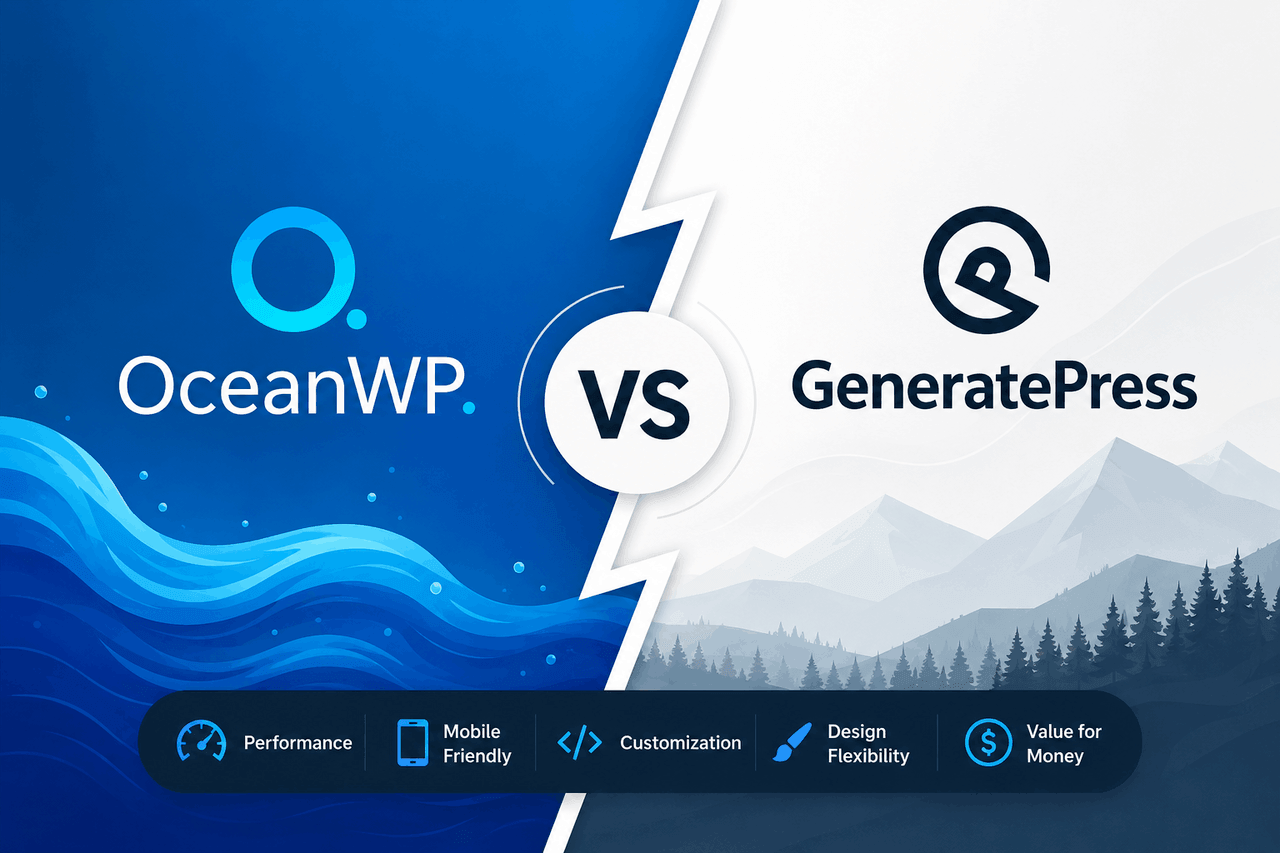
OceanWP offers deep built-in customization options and extensive WooCommerce integration, making it ideal for e-commerce sites and beginners who want pre-built features. GeneratePress prioritizes clean code and fast loading times, making it better for performance-focused developers and content-heavy blogs. Choose OceanWP if you need out-of-the-box design flexibility, and choose GeneratePress if page speed and structural stability matter more to you.
Choosing a WordPress theme is like pouring the foundation for a house. If you pick a weak foundation, every wall you build afterward will eventually crack. If you choose a solid one, your site will remain stable, fast, and easy to manage as your business grows.
For years, WordPress users have debated between two of the most popular themes on the market: OceanWP and GeneratePress. Both themes have massive user bases. According to the WordPress.org repository, GeneratePress boasts over 500,000 active installations, while OceanWP sits right alongside it with more than 700,000 active installations. They both promise fast loading times, extensive customization, and reliable support.
But beneath the surface, these two themes take very different approaches to building a website. OceanWP packs in a massive array of features and design settings by default. It aims to give you everything you need without requiring you to install additional plugins. GeneratePress takes the opposite route. It starts as a lightweight, minimalist framework, giving you only what you need and asking you to add functionality as you go.
Understanding these philosophical differences will save you hours of frustration. This guide will break down exactly how OceanWP and GeneratePress compare across features, design, e-commerce, and pricing, so you can make an informed decision for your next WordPress project.
How Do the Core Features and Performance Compare?
A theme is only as good as the tools it gives you to build your site. In the world of modern WordPress design, compatibility and performance define the user experience.
How well do they integrate with page builders?
If you use page builders like Elementor or Beaver Builder, you need a theme that gets out of the way. Both OceanWP and GeneratePress handle page builders beautifully, but they do it differently.
OceanWP was designed with Elementor in mind. It includes specific settings to hide page titles, disable headers, and stretch content to full width. This makes it incredibly easy to create custom landing pages. GeneratePress is equally compatible but relies on its own premium block-based builder called GenerateBlocks. GenerateBlocks allows you to build complex layouts using the native WordPress Gutenberg editor, which often results in cleaner code than heavy third-party page builders.
What customization options are available?
OceanWP gives you an overwhelming number of options in the native WordPress Customizer. You can adjust typography, colors, header styles, and footer layouts without touching a single line of code. It includes multiple built-in header styles, including transparent headers and top bars.
GeneratePress takes a more restrained approach. The free version offers basic typography and color controls. If you want advanced options, you need to purchase the premium GeneratePress plugin. Once upgraded, GeneratePress offers a module-based customization system. You turn on the features you want to use and leave the rest turned off, which keeps the backend interface clean and fast.
Which theme performs better for speed and SEO?
Page speed is a ranking factor for search engines, and this is where GeneratePress shines. GeneratePress is built for maximum performance. A fresh installation of GeneratePress adds less than 10 kilobytes to your page size. It uses clean, standard-compliant HTML and CSS, which search engines easily read and index.
OceanWP is fast, but it is inherently heavier than GeneratePress. Because OceanWP includes more built-in features and styling options, it loads more scripts and stylesheets. You can turn off specific scripts in the OceanWP settings panel to improve speed, but it requires more manual effort to achieve the same lightning-fast load times you get out of the box with GeneratePress.
Are they responsive and mobile-friendly?
Mobile traffic accounts for more than half of all internet browsing. Both themes are fully responsive and adapt perfectly to phones and tablets. OceanWP provides specific mobile visibility controls, allowing you to hide or show certain elements depending on the device. GeneratePress uses a fluid grid system that automatically scales content, ensuring that your text and images remain legible on any screen size.
How Do They Handle Design and User Experience?
Design flexibility determines how much time you will spend tweaking your site before you can launch it to the public.
What pre-built demos and starter sites are included?
Starting from a blank screen is intimidating. Both themes offer a library of pre-built starter sites that you can import with a few clicks. OceanWP provides over 200 demo sites, categorized by industry. These demos are highly detailed and often rely on Elementor to achieve complex layouts.
GeneratePress offers the Site Library, which includes roughly 90 starter sites. These designs tend to be cleaner and more minimalist. Many of the newer GeneratePress starter sites are built entirely with the native Gutenberg block editor and GenerateBlocks, which keeps the site lightweight from day one.
Which theme is easier for beginners?
OceanWP is usually easier for beginners who want immediate visual results. Because it has so many settings in the Customizer, a beginner can change almost anything without knowing CSS. The downside is that the sheer number of options can feel overwhelming.
GeneratePress is easier for users who prefer a clean, uncluttered interface. The learning curve is slightly steeper if you want to create complex layouts, as it relies more heavily on hooks, elements, and the block editor rather than a massive list of Customizer toggles.
How much design flexibility do you get?
OceanWP gives you creative control through simple toggle switches and dropdown menus. You can add a top bar, a sticky header, or a custom footer widget area in seconds.
GeneratePress gives you design flexibility through its Elements module. Elements allow advanced users to inject custom code, block layouts, or specific headers into any part of the site based on display rules. For example, you can create a custom author bio box and set it to display only on blog posts filed under a specific category. This requires more technical understanding but offers unlimited structural control.
What Are Their E-commerce Capabilities?
If you plan to sell products online, your theme needs to handle product pages, shopping carts, and checkout flows seamlessly.
How do they integrate with WooCommerce?
OceanWP is widely considered one of the best free themes for WooCommerce. It includes built-in e-commerce features that usually require paid plugins. These features include a native cart popup, a floating add-to-cart bar, and an off-canvas filter sidebar.
GeneratePress integrates perfectly with WooCommerce, but it focuses on stability rather than flashy features. It provides clean, distraction-free product pages and checkout processes. It does not include the built-in marketing popups that OceanWP offers, meaning you will need third-party plugins to add those specific functions.
Are they compatible with payment gateways?
Both themes are strictly presentation layers. They rely entirely on WooCommerce to process payments. Because both themes use standard coding practices, you will not face compatibility issues with Stripe, PayPal, Square, or any other major payment gateway.
Can you customize your online store easily?
OceanWP allows you to customize the layout of your product archive pages, change the number of columns on mobile devices, and adjust the typography of your product titles directly from the Customizer. GeneratePress Premium offers a dedicated WooCommerce module that provides similar layout controls, though the styling options remain more subdued and structural.
What Kind of Support and Community Can You Expect?
When your website breaks, you need to know someone is there to help you fix it.
How good are the documentation and tutorials?
GeneratePress has some of the best documentation in the WordPress ecosystem. Every feature is explained clearly with code snippets and visual examples. OceanWP also provides an extensive knowledge base, though some users note that keeping up with the sheer volume of features means the documentation occasionally lags behind recent updates.
What customer support options are available?
If you purchase the premium versions of these themes, you get access to priority support. GeneratePress manages support through a public forum. The founder and the core development team actively answer questions, often providing custom CSS snippets within hours.
OceanWP offers ticket-based email support for premium users. The support is reliable, but it lacks the transparent, searchable nature of the GeneratePress forum.
How engaged are their user communities?
Both themes have large Facebook groups where users share tips and troubleshoot problems. Because GeneratePress appeals heavily to developers and agency owners, its community discussions often focus on performance optimization and advanced customization. The OceanWP community leans more toward beginners and marketers looking for design inspiration.
How Do Pricing and Value Compare?
Cost is always a factor when building a website. Both themes offer a free version in the WordPress repository and a paid upgrade.
What do you get in the free vs. pro versions?
The free version of OceanWP is incredibly generous. You get access to almost all the Customizer settings and basic WooCommerce features. The Pro version gives you access to premium extensions like sticky headers, white-labeling, and premium starter templates.
The free version of GeneratePress is much more restricted. It functions well as a basic blog theme, but you will quickly hit limitations if you try to change colors, typography, or layout structures. You essentially must buy GeneratePress Premium to unlock the theme’s true potential.
How do licensing and updates work?
OceanWP offers an annual license for a single site, usually starting at $99 per year, with higher tiers for agencies. They also offer a lifetime purchase option.
GeneratePress Premium costs $59 per year and allows you to use the theme on up to 500 websites. This makes GeneratePress incredibly cost-effective for developers building multiple sites for clients. They also offer a one-time lifetime payment option.
Which theme offers better overall value?
If you are building a single e-commerce site and want everything out of the box, OceanWP provides massive value. If you are a freelancer or agency building multiple sites and need a reliable, fast foundation, GeneratePress offers an unbeatable return on investment due to its 500-site license limit.
When Should You Choose OceanWP or GeneratePress?
Decision criteria depend entirely on your technical comfort level and the type of site you are building.
When to choose OceanWP
Choose OceanWP if you are building an online store with WooCommerce and want built-in conversion features like a floating cart or off-canvas filters. It is also the right choice if you prefer adjusting settings through a visual Customizer rather than working with hooks and code.
When to choose GeneratePress
Choose GeneratePress if performance and page speed are your absolute top priorities. It is the best option if you run a content-heavy blog, build sites for clients, or prefer using the native WordPress Gutenberg editor alongside GenerateBlocks to create your layouts.
Scenarios where either theme could work
If you are building a standard small business brochure site — such as a site for a local plumber or accountant — either theme will work perfectly. You can install a starter site on either platform, change the text and images, and have a professional website live in a few hours.
Making Your Final Decision
Both OceanWP and GeneratePress have earned their spots at the top of the WordPress theme ecosystem. They are well-coded, consistently updated, and supported by dedicated teams.
Your choice comes down to a trade-off between convenience and performance. OceanWP hands you a toolbox overflowing with every gadget you might ever need. It is highly convenient, though slightly heavy. GeneratePress hands you a lightweight, perfectly balanced hammer and trusts you to know how to use it.
Assess your immediate needs, evaluate your technical skills, and select the foundation that aligns best with your long-term goals for your website.
FAQs About OceanWP and GeneratePress
Is OceanWP or GeneratePress better for SEO?
Both themes follow SEO best practices and use clean code. However, GeneratePress is inherently lighter and loads faster out of the box. Because page speed is a significant ranking factor for search engines, GeneratePress holds a slight edge for technical SEO.
Do I need Elementor to use these themes?
You do not need Elementor for either theme. However, OceanWP pairs very naturally with Elementor and relies on it for many of its starter sites. GeneratePress works beautifully with Elementor, but functions best when paired with its native GenerateBlocks plugin.
Which theme is better for WooCommerce?
OceanWP is generally better for WooCommerce straight out of the box. It includes dedicated e-commerce features like a native cart popup, off-canvas sidebars, and custom checkout layouts that usually require additional paid plugins.
Can I switch from OceanWP to GeneratePress later?
You can always switch WordPress themes, but it requires work. Because OceanWP uses many built-in Customizer settings and specific widgets, you will lose those design elements when switching to GeneratePress. You will need to rebuild your headers, footers, and specific page layouts.
Is the free version of GeneratePress enough for a full website?
The free version of GeneratePress is extremely basic. It is suitable for a simple text-based blog, but if you want to change typography, layout widths, colors, or header designs, you will need to purchase the Premium upgrade.